
Quick answer: SMS is a plain text message. MMS is a text with a picture or a group. RCS is the newer kind of texting that works over Wi-Fi or mobile data and adds clearer photos, typing dots, and read receipts. "Sent as SMS" means your phone used the older, plain kind for that message. The message still went through.
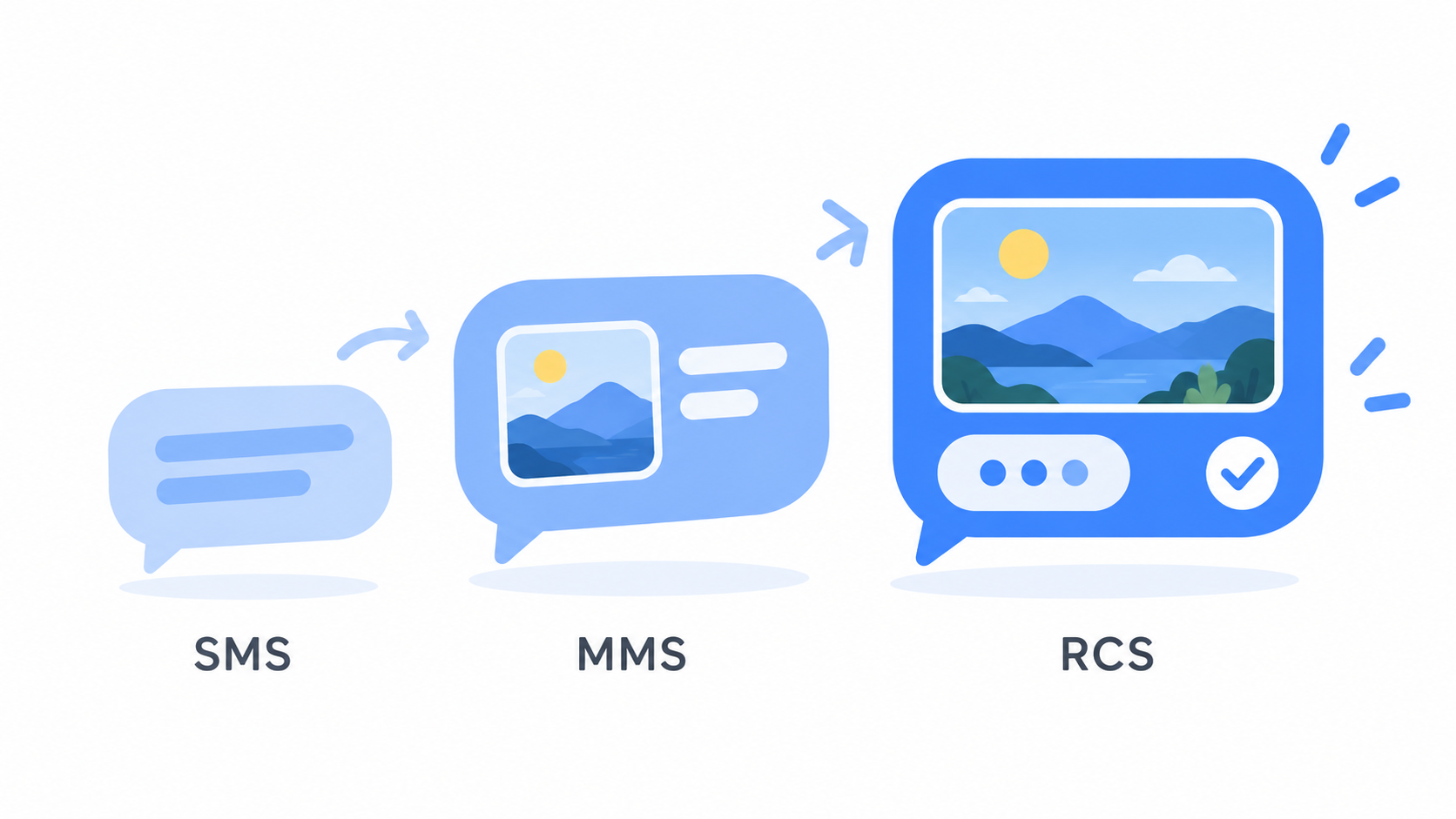
The three kinds of texts, one sentence each
- SMS is a plain text message with words only, sent over your phone company's regular network.
- MMS is the same thing with a picture, a video, or more than one person added.
- RCS is modern texting that travels over Wi-Fi or mobile data, the way email and the internet do.
Google calls RCS "a modern industry standard for messaging." Think of SMS as a postcard and RCS as a phone call with pictures. Both get the message there. One just carries a lot more.
What do I get with RCS?
- Clear photos and videos that are not shrunk on the way
- Typing dots, so you can see when someone is writing back
- Read receipts, so you know your message was seen
- Better group chats, with names for the group and the ability to add people
- Texting over Wi-Fi, which helps when your signal is weak
Since iOS 18, iPhones support RCS too. According to Apple's support page, RCS messages between iPhone and Android include high resolution photos and videos, typing indicators, and read receipts.
So what does "Sent as SMS" mean?
It means that one message could not go the newer way, so your phone sent it the older way.
That happens when:
- You or the other person had no Wi-Fi or mobile data at that moment
- The other person's phone does not have RCS turned on
- The other person's phone or phone company does not support it
Nothing is broken. Your message was delivered. It just traveled as a postcard that time.

Is RCS safe?
Yes. In May 2026, Google and Apple began rolling out end-to-end encryption for RCS chats between Android phones and iPhones. That means the message is locked while it travels, and only the people in the conversation can read it.
When a chat is protected this way, Google says you will see a small lock icon.
Regular SMS has never had that kind of protection.
Does RCS cost money?
RCS itself is free. It uses Wi-Fi or your mobile data, the same as looking at a web page. On Wi-Fi, it uses none of your data plan. A plain text message uses a tiny amount of data, far less than a single photo.
How do I turn it on?
Messenger Chat Home supports RCS.
- Open Messenger Chat Home.
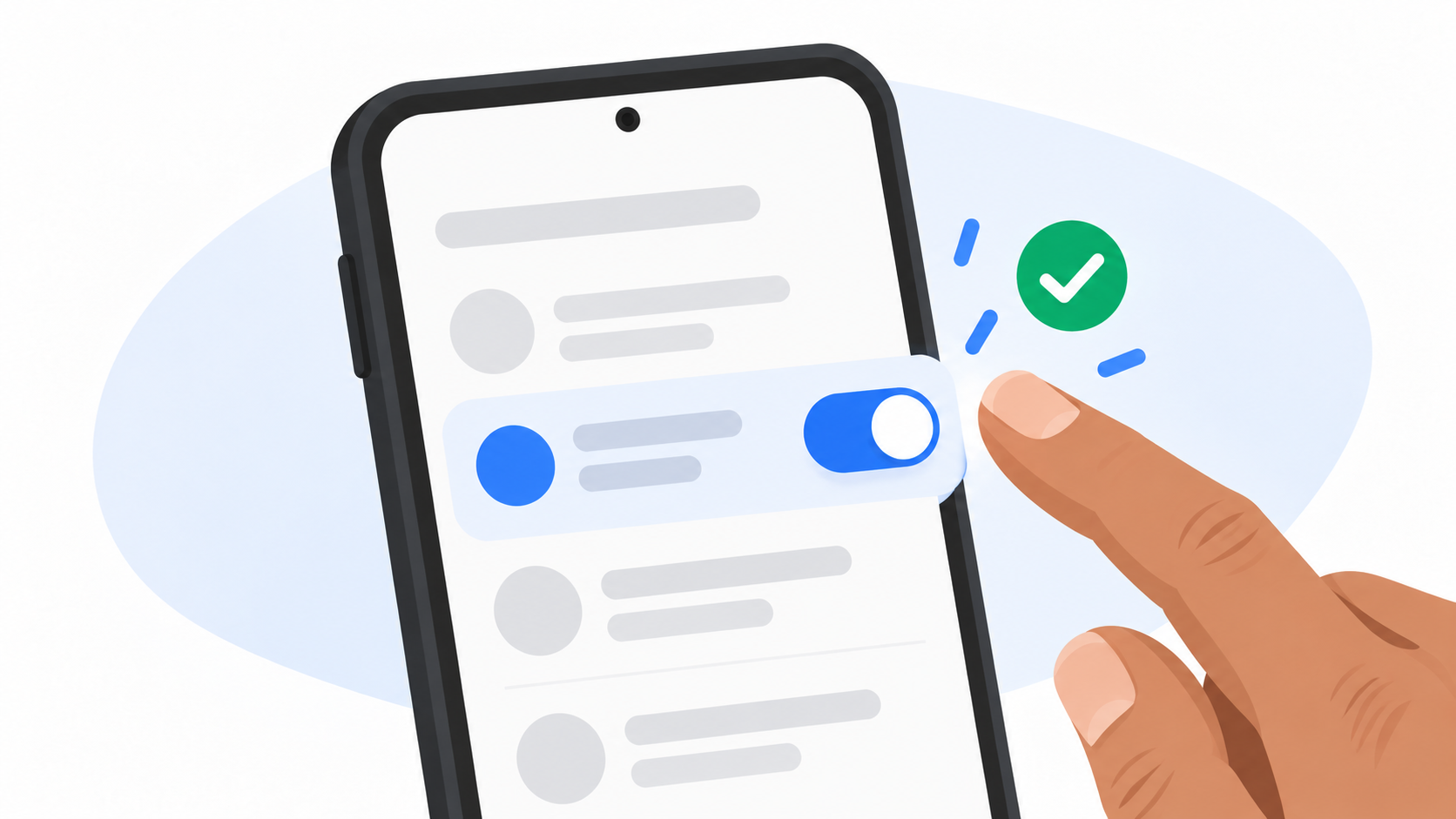
- Open Settings.
- Find chat features or RCS chats and turn it on.
You only do this once.
Should I turn it on?
For most people, yes. You get clearer pictures and better group chats, and you lose nothing. If RCS is not available for a message, your phone sends it the old way on its own. You never have to think about it.
Quick answers
What is RCS on my Android phone?
RCS is a newer kind of texting that sends messages over Wi-Fi or mobile data. It adds clearer photos and videos, typing indicators, and read receipts.
What does "Sent as SMS" mean?
It means the message was sent as a regular text message because RCS was not available at that moment. The message was still delivered.
Does RCS work with iPhones?
Yes. iPhones on iOS 18 or newer support RCS with Android phones.
What is the difference between SMS and MMS?
SMS is a text with words only. MMS is a text that includes a picture, a video, or a group of people.
Now you know more than most people
Almost nobody can explain these three sets of letters, and now you can. Messenger Chat Home supports RCS and keeps your conversations simple, right on your Home Screen. It is free on the Google Play Store.
Related: Why Did the Family Group Chat Turn Green When I Joined? | Why Are the Videos I Text So Blurry on the Other End?
