
Quick answer: The most common cause is that your phone number is still connected to Apple's iMessage from an old iPhone. iPhones keep sending your texts to a phone you no longer use. Apple has a free page that fixes it in two minutes. If you never owned an iPhone, check your mobile data, your default texting app, and your blocked list.
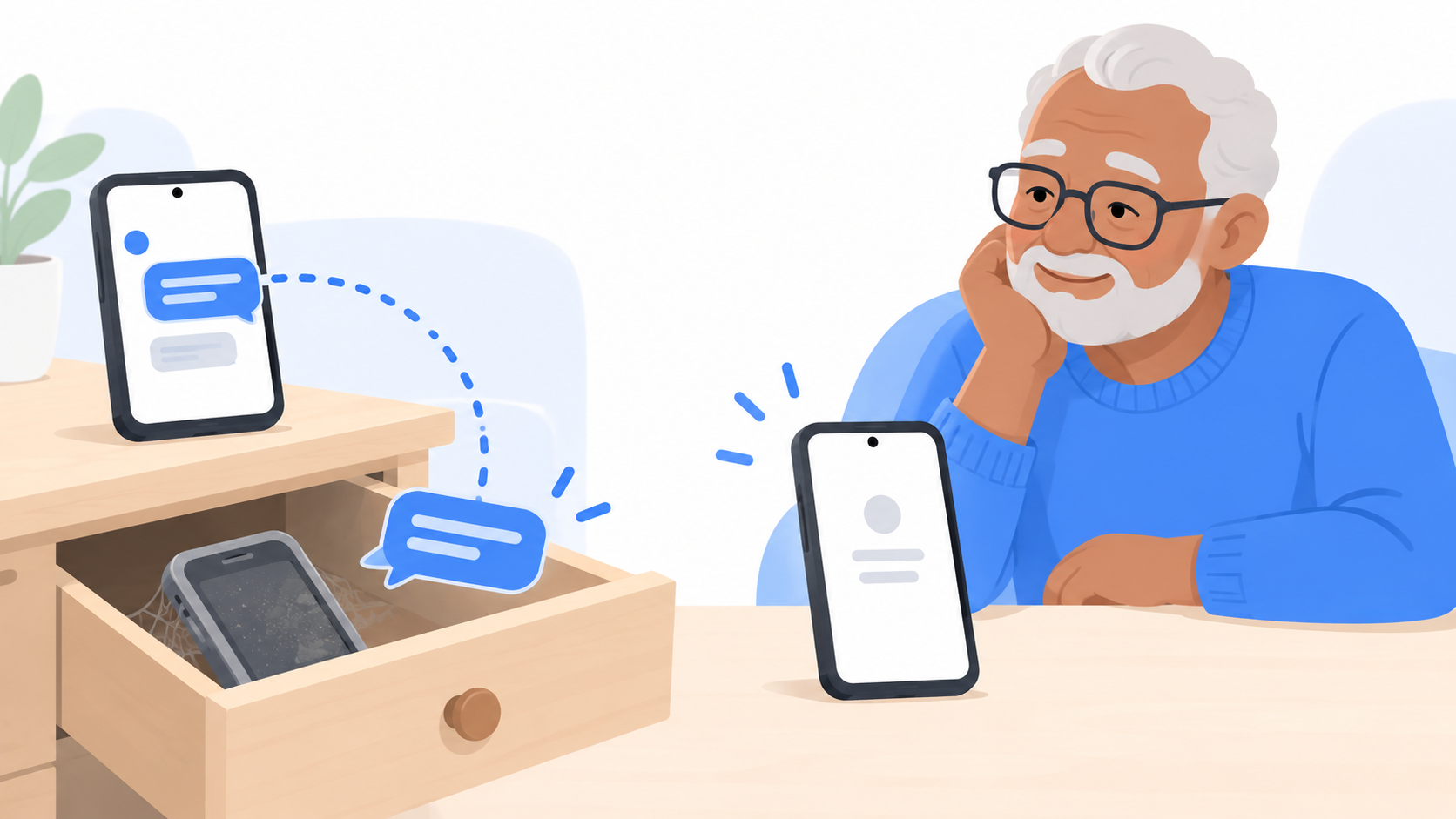
Cause 1: You used to have an iPhone
This is the big one.
When you had an iPhone, your phone number was signed up for iMessage. If you switched to Android without turning that off, Apple still thinks you have an iPhone. So when your daughter texts you from her iPhone, the message goes looking for an iPhone that is in a drawer somewhere.
On her end, it looks like it was sent. On your end, nothing arrives.
The fix:
- Go to selfsolve.apple.com/deregister-imessage on any phone or computer.
- Scroll to the section for people who no longer have their iPhone.
- Type in your phone number.
- Apple texts you a 6 digit code. Type it in.
That's it. Texts from iPhones should start arriving within a few hours.
Apple's page says this is for anyone who switched to a non-Apple phone and "cannot get SMS or text messages someone sends you from an iPhone."
Cause 2: Your mobile data is off
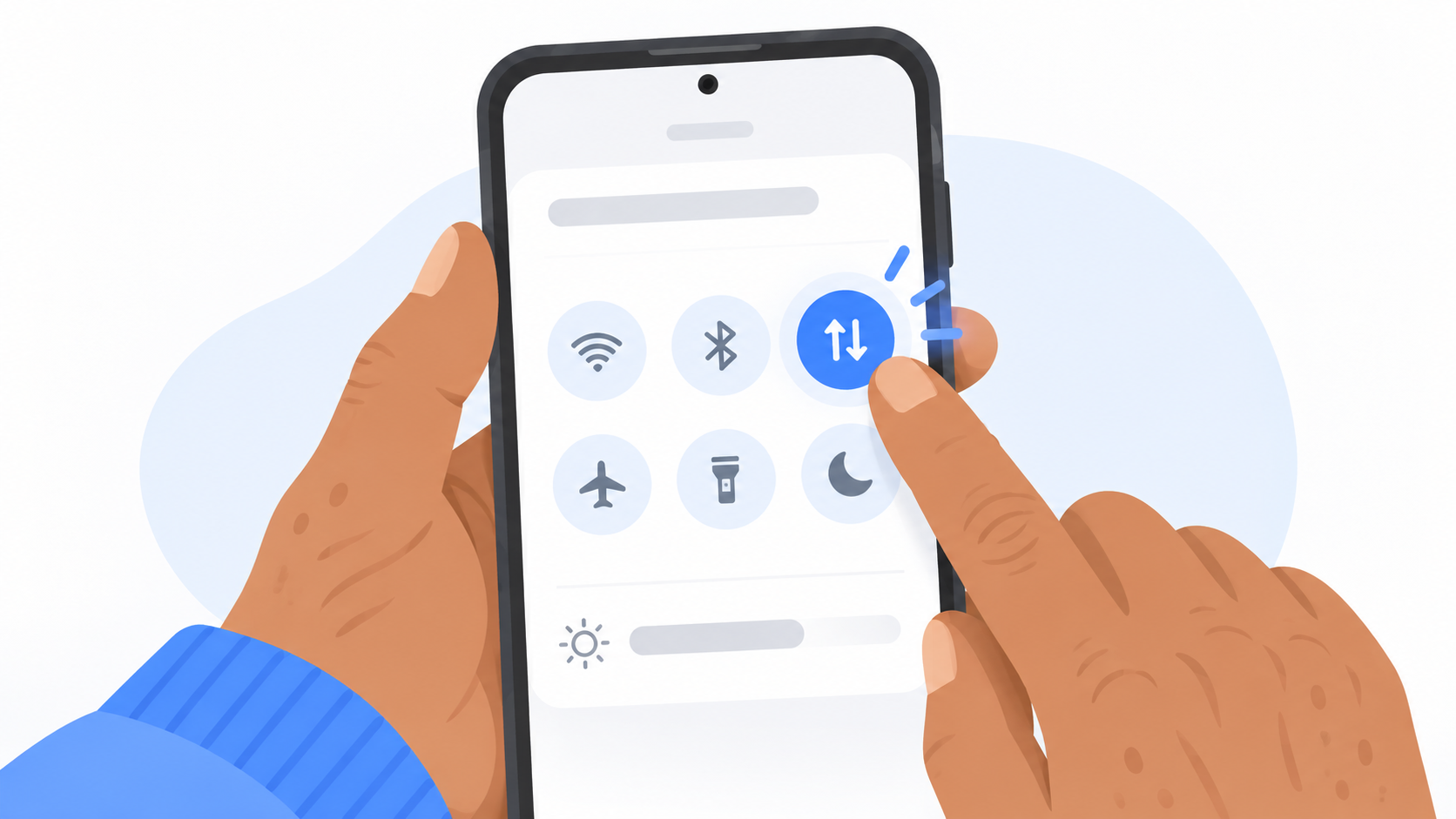
Group texts and picture messages need mobile data to come through, even if you are on Wi-Fi. If your data is off, plain texts arrive but group messages and photos get stuck.
The fix:
- Swipe down from the top of your screen.
- Find Mobile data and make sure it is on.
If you see a message that says "Tap to download," that is the same problem. Turn data on and tap it.
Cause 3: Two apps are fighting over your texts
Your phone can only have one main texting app at a time. If a different app is set as the default, your messages may be landing there.
The fix:
- Open your phone's Settings.
- Tap Apps, then Default apps.
- Tap SMS app and choose Messenger Chat Home.
Cause 4: The number got blocked by accident
It is easy to block someone with one wrong tap. It is also possible their messages were filed as spam.
The fix:
- Open Messenger Chat Home.
- Open Settings and look for Blocked numbers or Spam and blocked.
- If you see a name you know, tap it and unblock.
Still not working? Try the reset
Turn chat features off, wait ten seconds, and turn them back on. Then restart your phone. This clears up a surprising number of problems.
If texts from one person still do not arrive, ask them to check one thing on their iPhone: in Settings, then Apps, then Messages, both RCS Messaging and Send as Text Message should be on.
How do I know it worked?
Ask the person to send you a text with one word in it. Then ask them to send a photo. If both arrive, you are done.
Quick answers
Why am I not getting texts from iPhones on my Android phone?
The most common reason is that your phone number is still registered with iMessage from an old iPhone. Use Apple's free deregister page to remove it.
Why do I miss messages in group chats with iPhone users?
Group messages need mobile data. Make sure mobile data is turned on, even when you are on Wi-Fi.
I never had an iPhone. Why am I missing texts?
Check that mobile data is on, that the right app is set as your default texting app, and that the sender is not in your blocked list.
It was never you
Missing a message from someone you love feels terrible, and it is almost always a setting, not a mistake you made. Messenger Chat Home keeps your conversations on your Home Screen where you can't miss them. It is free on the Google Play Store.
Related: Why Did the Family Group Chat Turn Green When I Joined? | What Does "Sent as SMS" Mean, and What Is RCS?
