
Quick answer: It is a reaction. Someone pressed a thumbs up, a heart, or a laughing face on your message. On some phones that shows up as a small picture. On others it arrives as a whole new text that says "Liked" or "Laughed at" followed by your own words. You do not need to reply.
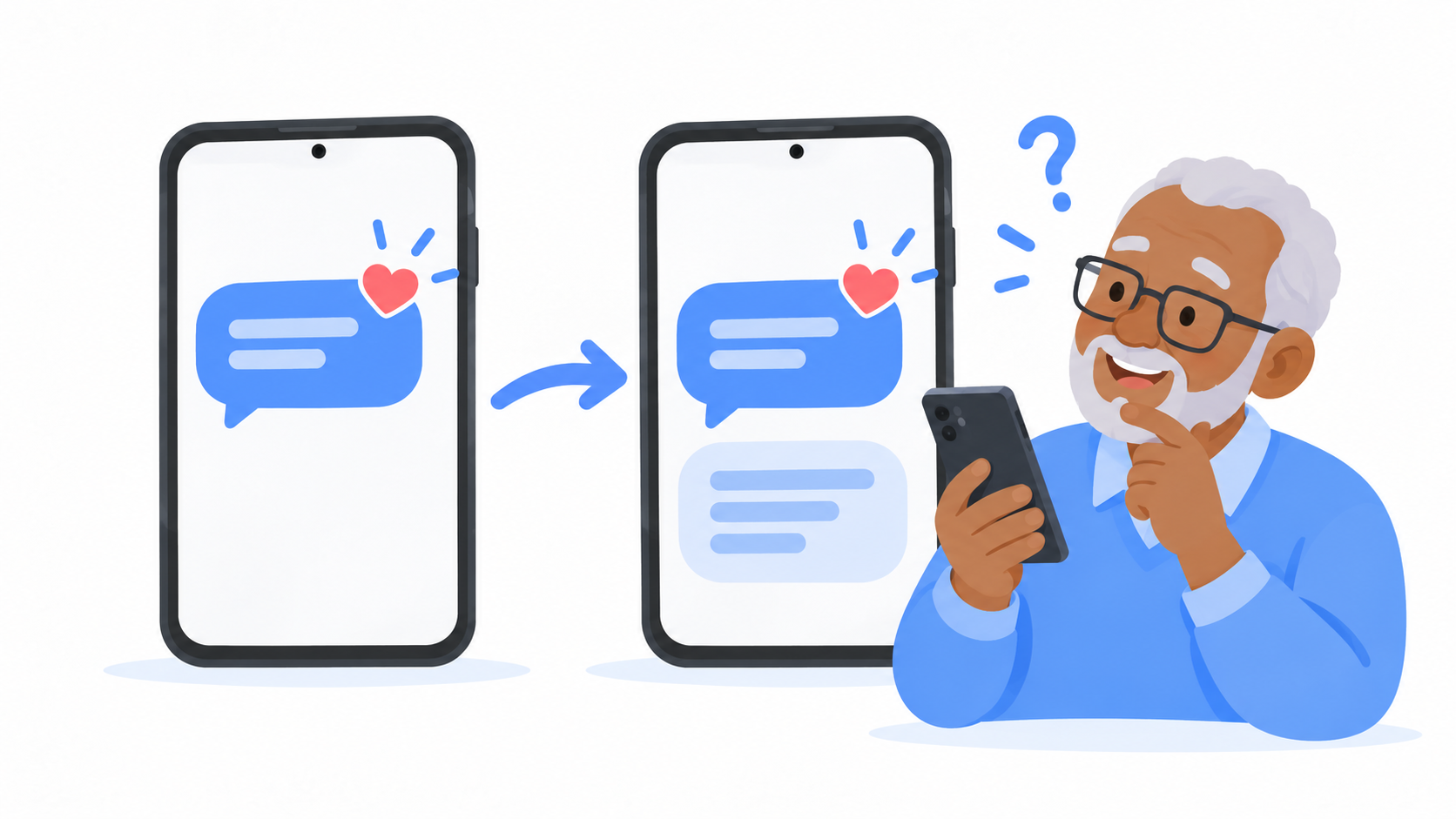
Why did I get my own message sent back to me?
Here is what happened on the other end. Your son read your text and pressed the little heart to say "love it." On his phone, a tiny heart appeared on your message.
Your phone and his phone do not always speak the same language. When they don't, his phone turns that heart into words and sends it as a brand new text:
Loved "Dinner is at 6, bring the rolls"
It looks strange. It can even look like a mistake or a scam. It is neither. It is just a heart that got spelled out.
What does each one mean?
These come from iPhones, and there are six of them.
- Liked means a thumbs up. "Got it" or "sounds good."
- Loved means a heart. "I love this."
- Laughed at means "ha ha." They thought it was funny. They are laughing with you, not at you.
- Emphasized means two exclamation points. "Yes!" or "This is important."
- Disliked means a thumbs down. Usually about the news, not about you.
- Questioned means a question mark. "Wait, what?" or "I'm confused."
Why do the kids use these?
Because it is fast, and because it keeps a group chat from filling up.
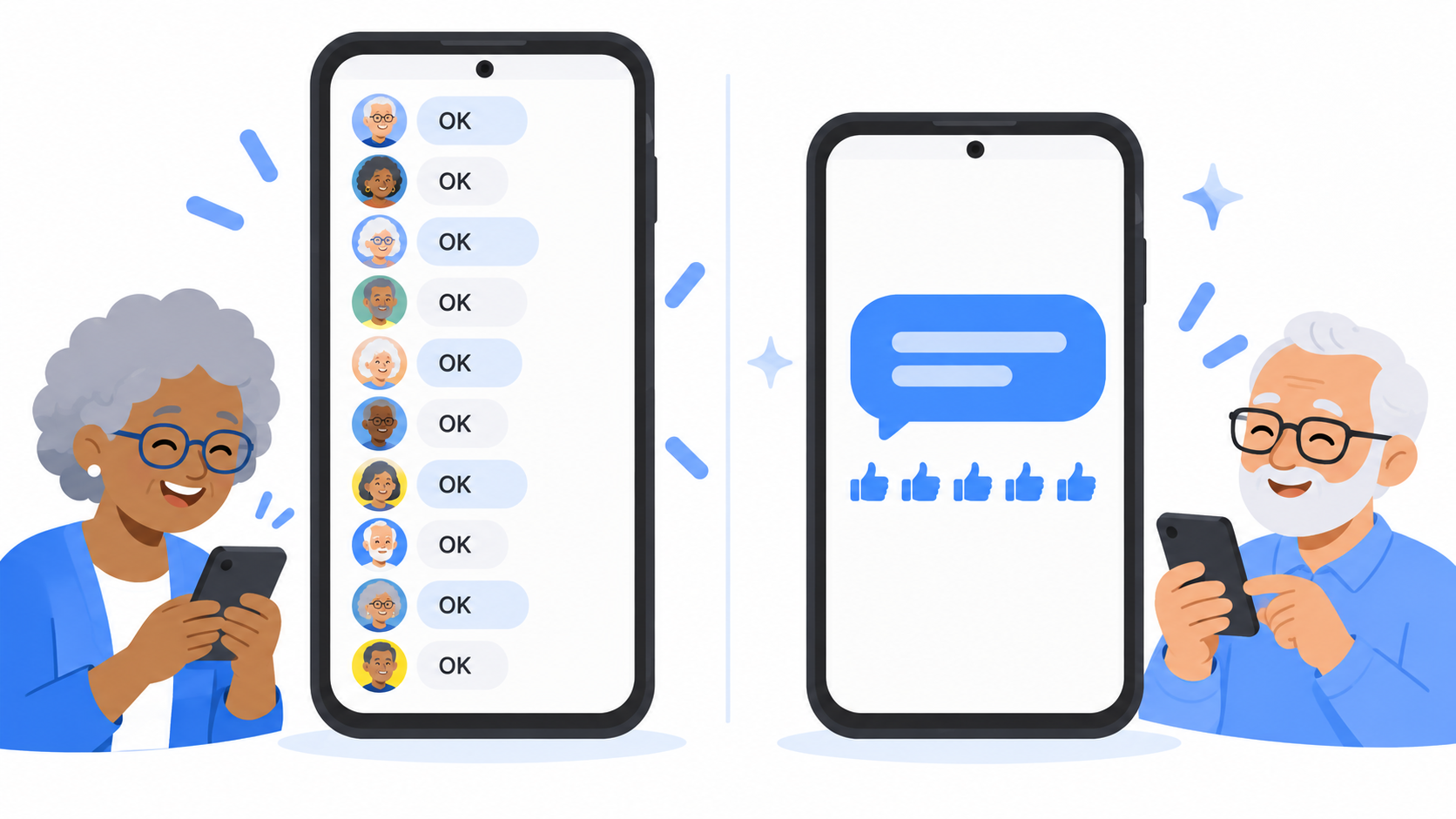
Picture ten people in a family chat. You announce that Sunday dinner moved to 5. If everyone types "OK," that is ten new texts and ten buzzes. If everyone presses a thumbs up, it is zero.
A reaction is a nod across the room. It means "I saw this" without starting a whole new conversation.
Do I have to reply?
No. A reaction is the reply. The conversation can end right there, and nobody will think you are being rude.
Can I make them show up as little pictures?
Often, yes. According to Google's help page for its Messages app, there is a setting called Show iPhone reactions as emoji. When it is on, "Loved" shows up as a small heart on your message, not as a separate text.
To check:
- Open your texting app's settings.
- Tap Advanced.
- Look for Show iPhone reactions as emoji and make sure it is on.
Google says this works for text messages in English in the United States.
How do I send a reaction myself?
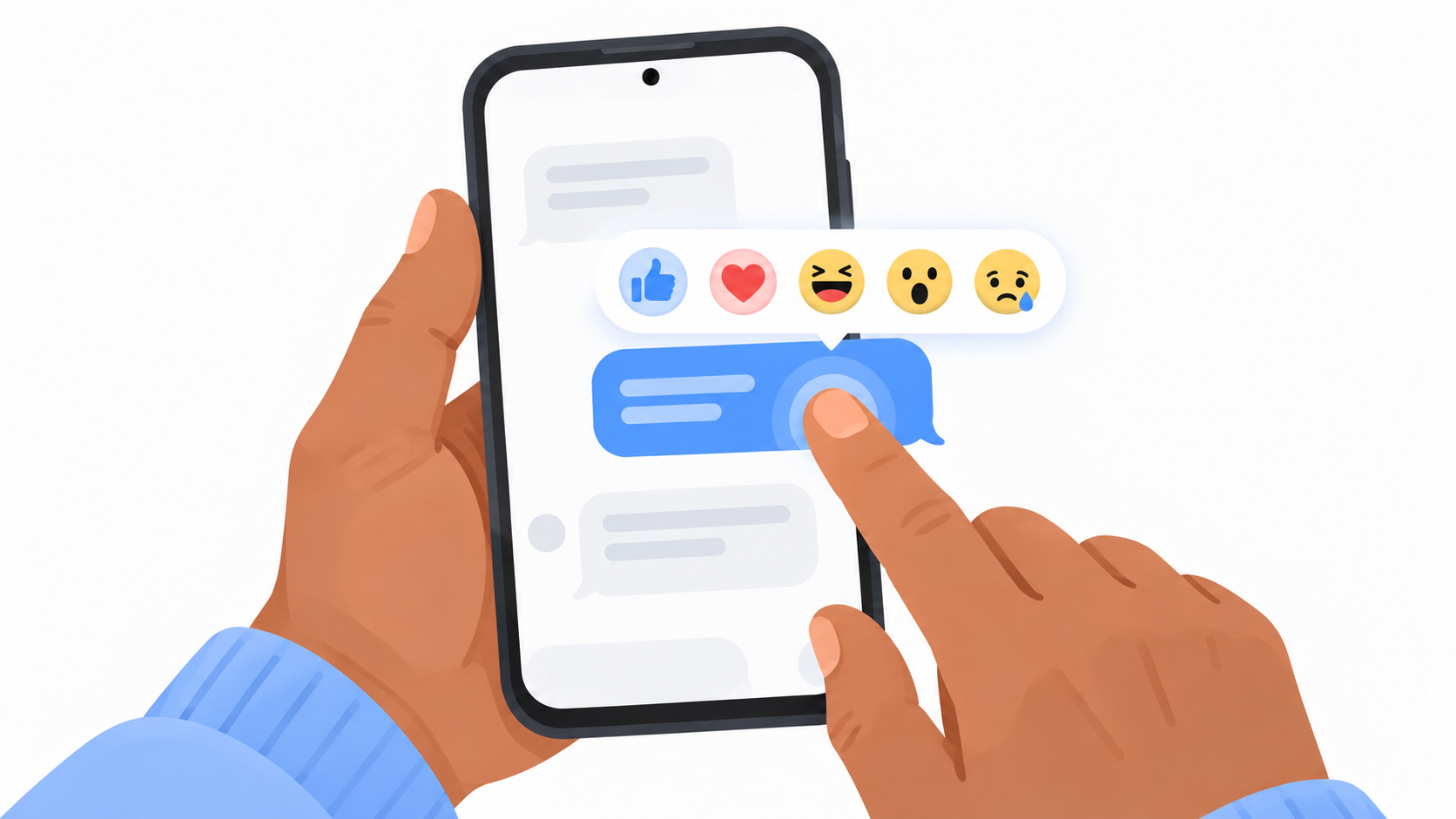
- Find the message you want to react to.
- Press and hold your finger on it.
- A row of small faces appears. Tap the one you want.
That's it. Start with the thumbs up. It is the safest one, and it works for almost everything.
Quick answers
Why did I get a text that says someone "Liked" my message?
Someone pressed a thumbs up on your message. Their phone sent the reaction as a sentence because the two phones could not share it as a picture.
Does "Laughed at" mean they are making fun of me?
No. It means they found your message funny. It is the same as sending "ha ha."
Do I need to answer a reaction?
No. A reaction takes the place of a reply.
One more thing
Texting has picked up a lot of little habits in the last few years. None of them are hard once someone explains them. Messenger Chat Home keeps your conversations simple and easy to read, right on your Home Screen. It is free on the Google Play Store.
Related: Why Did the Family Group Chat Turn Green When I Joined? | How Do People Send Those Moving Pictures in Texts?
