
Why Are the Videos I Text So Blurry on the Other End?
Quick answer: Your video gets blurry because it was sent as an old style picture message, called MMS. Phone companies squeeze MMS videos down to a tiny size so they will go through. Your camera is fine. Send the same video with the newer RCS chat features, or as a link, and it arrives clear.
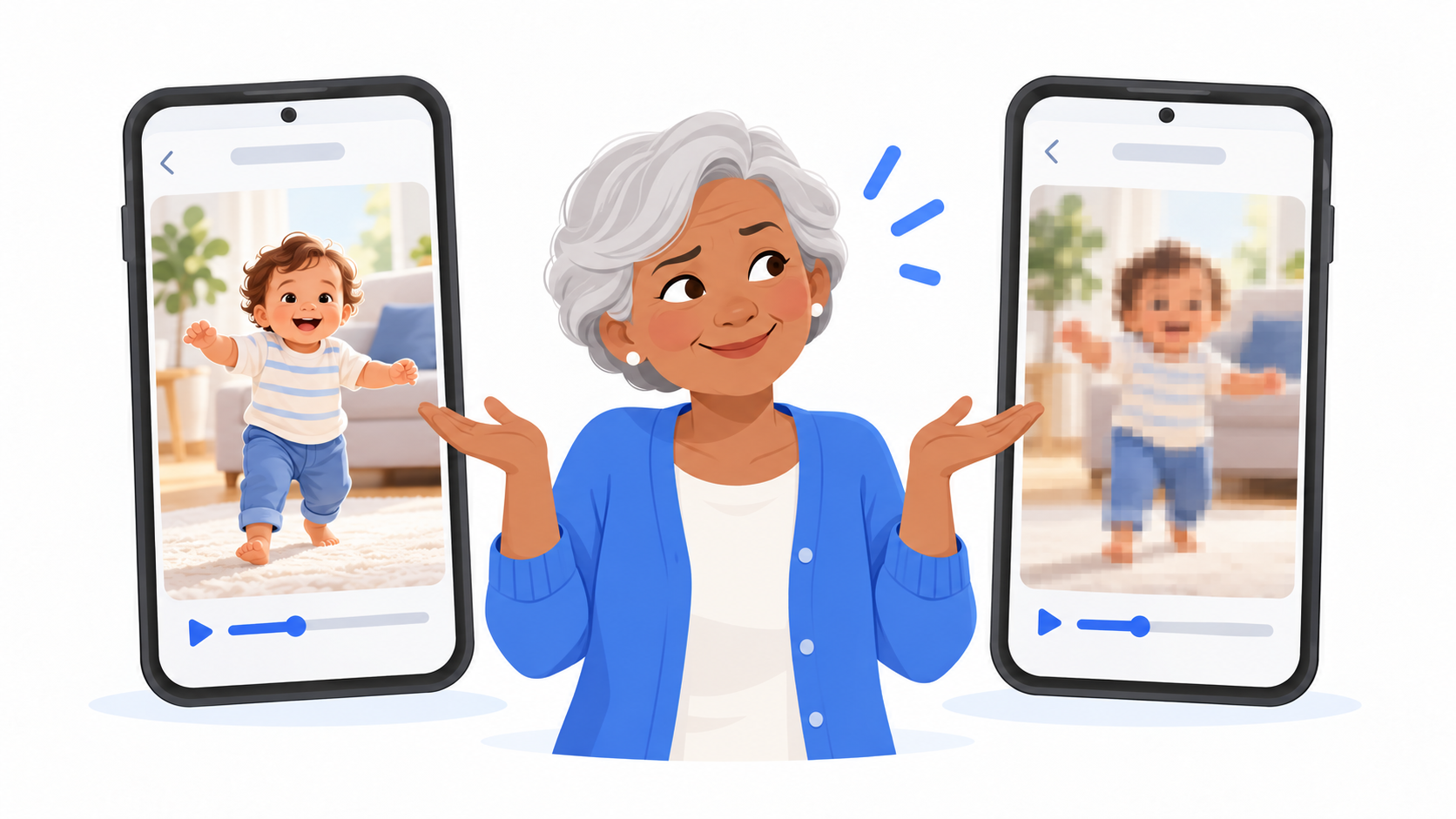
What is happening to my video?
Your phone records beautiful video. One minute of it can be a very large file.
Old style picture messaging was built more than twenty years ago, when phones took postage stamp photos. It can only carry a very small file. So when you text a video the old way, your phone company crushes it down to fit.
It is like mailing a quilt in a letter envelope. Something has to give.
The person on the other end sees a small, fuzzy, blocky version. They may think your phone takes bad video. It doesn't.
Why does it look fine when my friend with the same phone sends one?
Because the two phones used the newer kind of texting, called RCS. RCS sends over Wi-Fi or mobile data, so it can carry a much bigger file.
Apple's own support page says RCS messages between iPhone and Android support high resolution photos and videos. So this works with the iPhone people in your life too, as long as their iPhone is on iOS 18 or newer.
When RCS is not available for any reason, your phone quietly falls back to the old way. That is when the blur comes back.

3 ways to send a clear video
1. Make sure chat features are on
Messenger Chat Home supports RCS. Open the app's settings and check that chat features are turned on.
Then make sure you have Wi-Fi or mobile data. RCS needs one or the other.
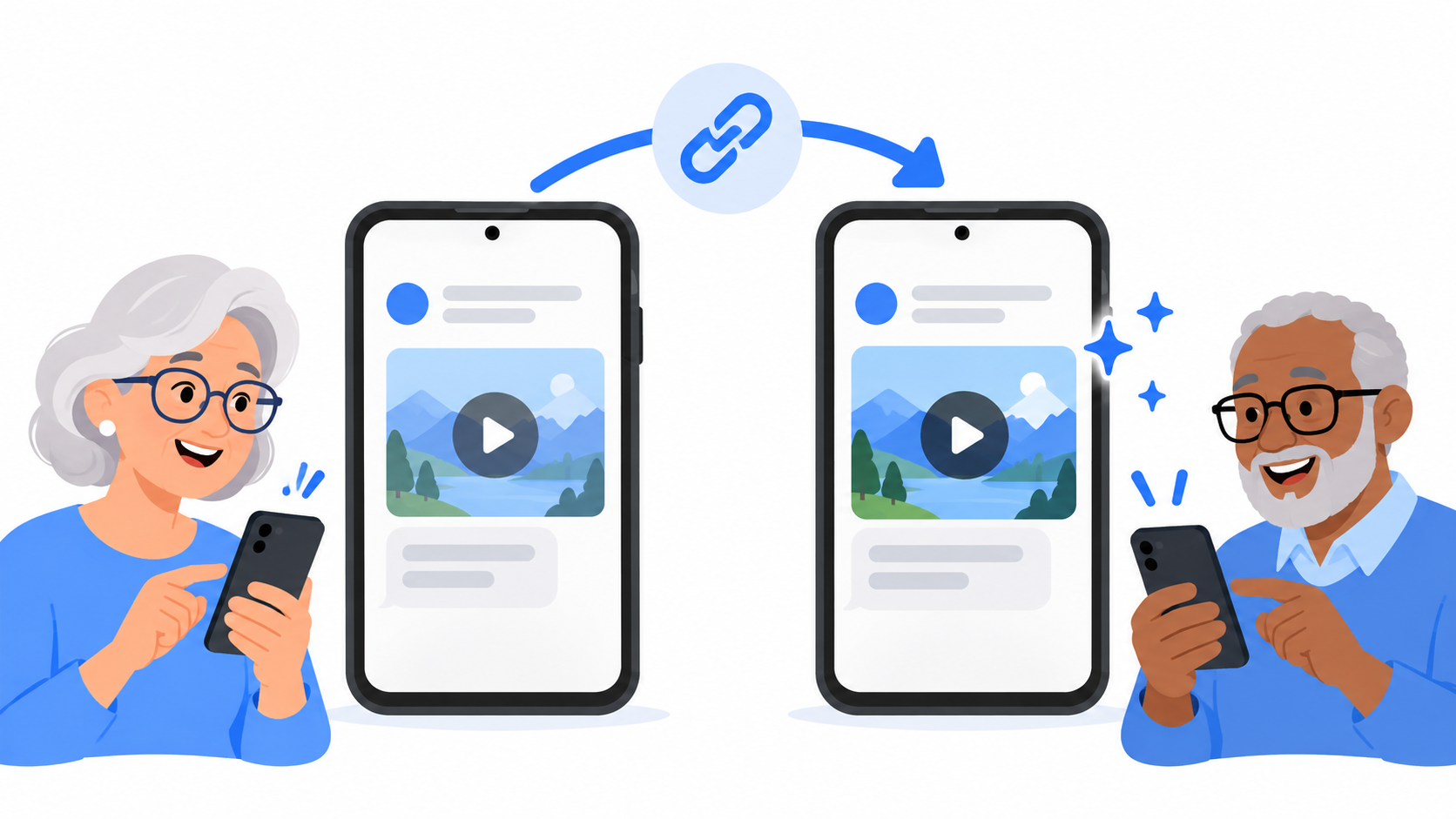
2. Send a link
This one works every time, to any phone.
- Open the video in Google Photos.
- Tap Share.
- Tap Create link.
- Paste the link into your text and send it.
The other person taps the link and sees the full quality video. Nothing gets squeezed.
3. Keep it short
If you have to send the old way, a 10 second clip survives much better than a two minute one. Trim the best part and send that.
Does this happen with photos too?
Yes, but less. Photos are smaller files, so they lose less on the way. If a photo arrives looking soft or grainy, the same three fixes work.
What should I tell the person who can't see my video?
Ask them two things:
- "Is your phone up to date?" An older iPhone cannot use RCS.
- "Are you on Wi-Fi or do you have data turned on?"
If either answer is no, send a link.
Quick answers
Why are my videos blurry when I send them to an iPhone?
The video went as an old style MMS message, which phone companies shrink to a very small size. If both phones use RCS, or you send a link, the video stays clear.
How do I send a long video from Android without losing quality?
Open the video in Google Photos, tap Share, tap Create link, and text the link. The other person sees the full quality video.
Is my phone's camera bad?
No. If the video looks good on your own phone, your camera is fine. The quality was lost while it was being sent.
Your memories deserve better than blurry
A first step, a birthday song, a dog doing something ridiculous. Those are worth seeing clearly. Messenger Chat Home supports RCS and keeps photos and videos simple to send, right from your Home Screen. It is free on the Google Play Store.
Related: Why Did the Family Group Chat Turn Green When I Joined? | How Do People Send Those Moving Pictures in Texts?
