
How Do People Send Those Moving Pictures in Texts?
Quick answer: Those moving pictures are called GIFs. They are short clips that play over and over, with no sound. Your phone already has thousands of them built in, and you can send one in three taps.
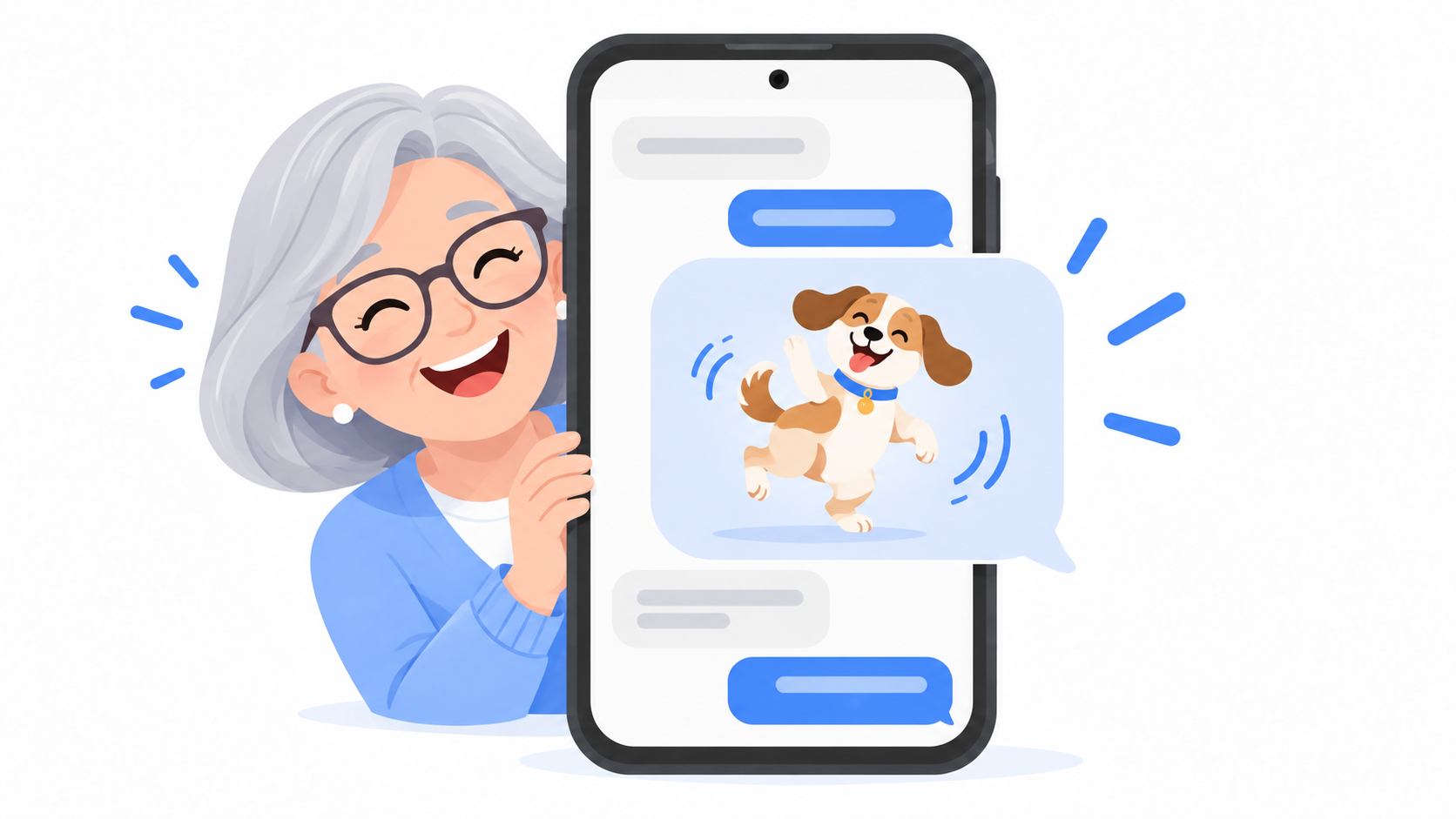
What is a GIF?
A GIF is a tiny, silent video that repeats. It might be a dog falling off a couch, a movie star rolling her eyes, or a baby doing a little dance.
People use them the way you might use a facial expression. A GIF says "that's hilarious" or "I can't believe it" without typing a word.
You do not buy them, and you do not make them. They come from a free library that is built into your texting app.
How do you say it?
Some people say it with a hard G, like "gift." Others say "jif," like the peanut butter. The man who invented the format in 1987 said "jif." Most people say it the other way.
Either one is fine. Nobody will correct you. And if they do, now you know the story.
How do I send one?
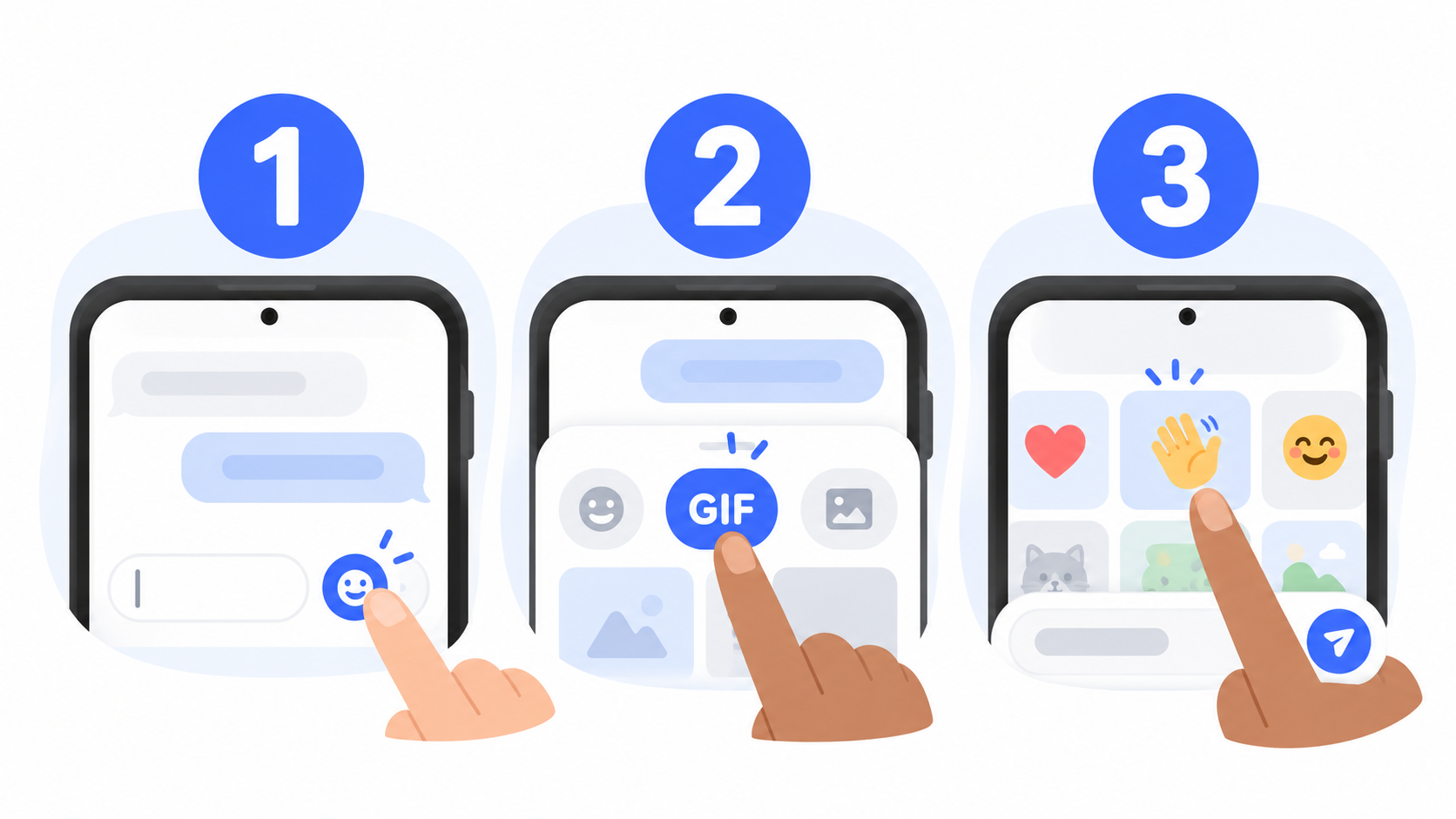
- Open a conversation in Messenger Chat Home.
- Tap the smiley face next to where you type.
- Tap GIF.
- Type a word that describes the feeling you want, like "happy birthday," "thank you," or "laughing."
- Tap the one you like. It goes right into your message.
- Tap Send.
That's it. You just sent a moving picture.
What should I search for?
Search for the feeling, not the picture. These always work:
- "Happy birthday" for birthdays
- "Thank you" when someone does something kind
- "Hug" when someone is having a hard day
- "Good morning" for your daily hello
- "Laughing" when something is funny
- "Proud" for the grandkids
Why did my GIF show up frozen?
Sometimes a GIF arrives as a still picture. That is not your fault. It usually happens for one of two reasons.
- The other person's phone is older and cannot play it.
- The GIF was sent as an old style picture message, and the phone company shrank it on the way.
Try a different GIF. Shorter, simpler ones go through more reliably. Google's help page for its Messages app shows that pictures and clips can be sent at different quality settings, which is why the same GIF can look different from one phone to the next.
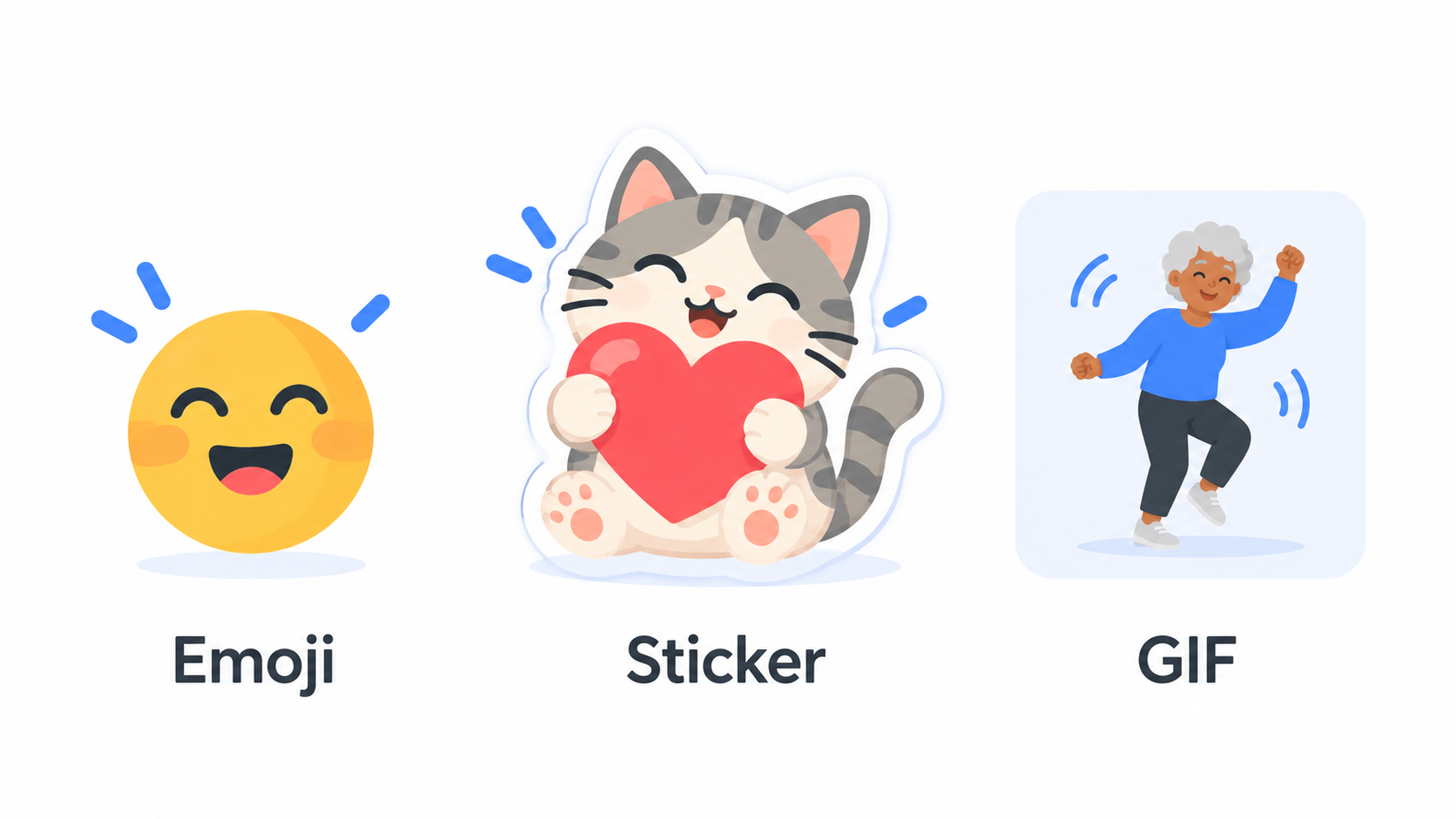
What is the difference between a GIF, a sticker, and an emoji?
- Emoji are the small faces and symbols that sit in a line of text, like a heart or a thumbs up.
- Stickers are bigger cartoon pictures. They do not move, or they move just a little.
- GIFs are short moving clips, often from movies, TV, or real life.
All three are free in Messenger Chat Home, and they all live behind the same smiley face button.
Quick answers
What are the moving pictures in text messages called?
They are called GIFs. A GIF is a short, silent clip that repeats over and over.
Do GIFs cost money to send?
No. GIFs are free. They are sent like any other picture message, so they use your regular texting plan or your internet connection.
How do I send a GIF on an Android phone?
Open a conversation, tap the smiley face next to the typing box, tap GIF, search for a word like "thank you," tap the one you like, and tap Send.
Go ahead and try one
Pick someone who will get a kick out of it and send your first GIF today. Messenger Chat Home keeps GIFs, stickers, and emoji one tap away, right from your Home Screen. It is free on the Google Play Store.
Related: Why Did the Family Group Chat Turn Green When I Joined?
