
Quick answer: Yes. Tap the microphone on your keyboard, say your message out loud, and your phone types it for you. Then tap Send. It is called voice typing, and it is already on your Android phone.
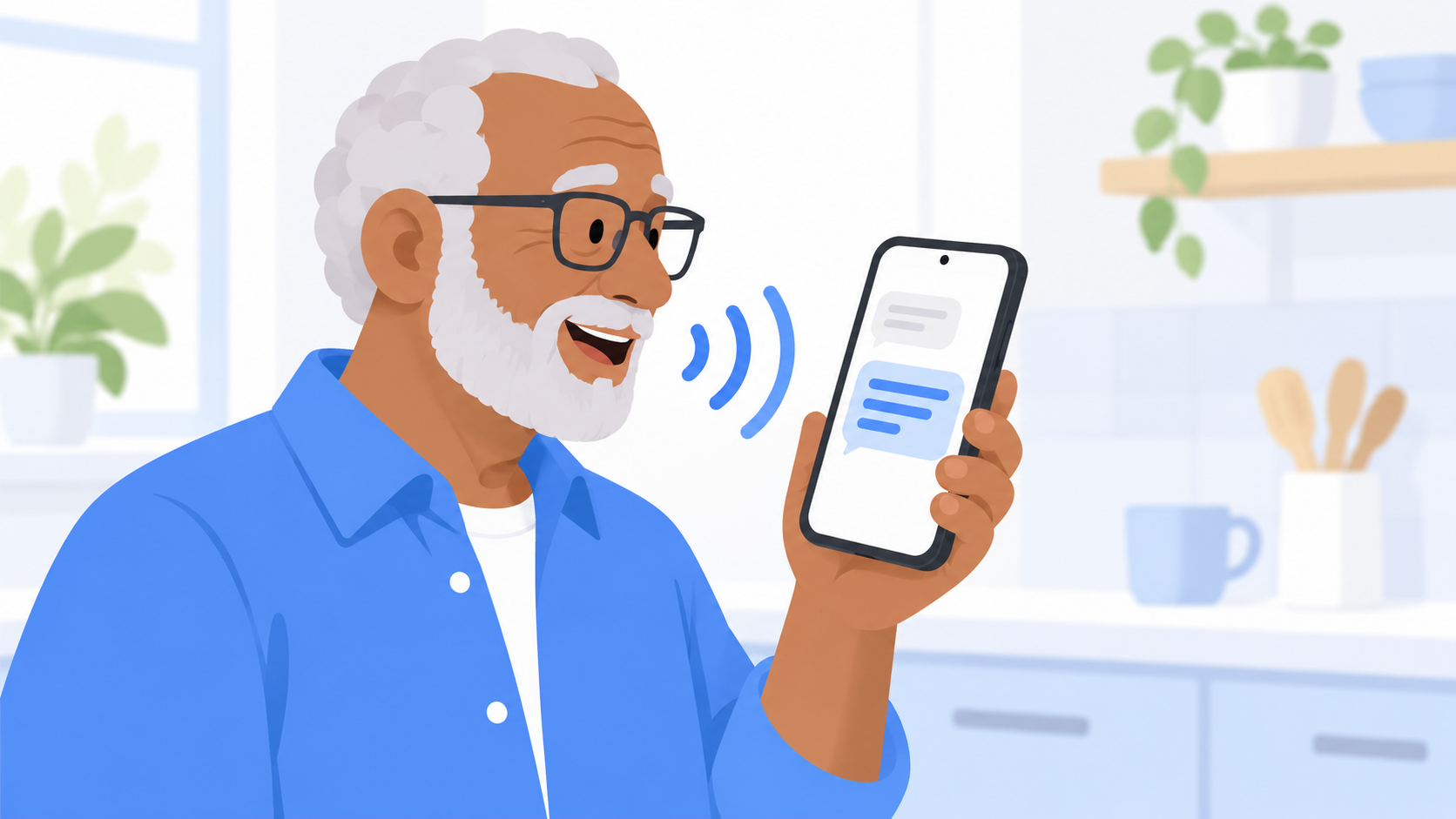
Why would I want to talk my texts?
Because phone keyboards are small, and that is not your fault. The keys on most phones are narrower than a fingertip.
Talking is a good choice when:
- Your hands are stiff, sore, or shaky
- You keep hitting the wrong letter
- You have a lot to say and don't want to peck it out
- You can't find your reading glasses
It is also faster. Most people talk a lot faster than they type on a phone.
How do I send a text by talking?
- Open a conversation in Messenger Chat Home.
- Tap the box where you type. The keyboard pops up.
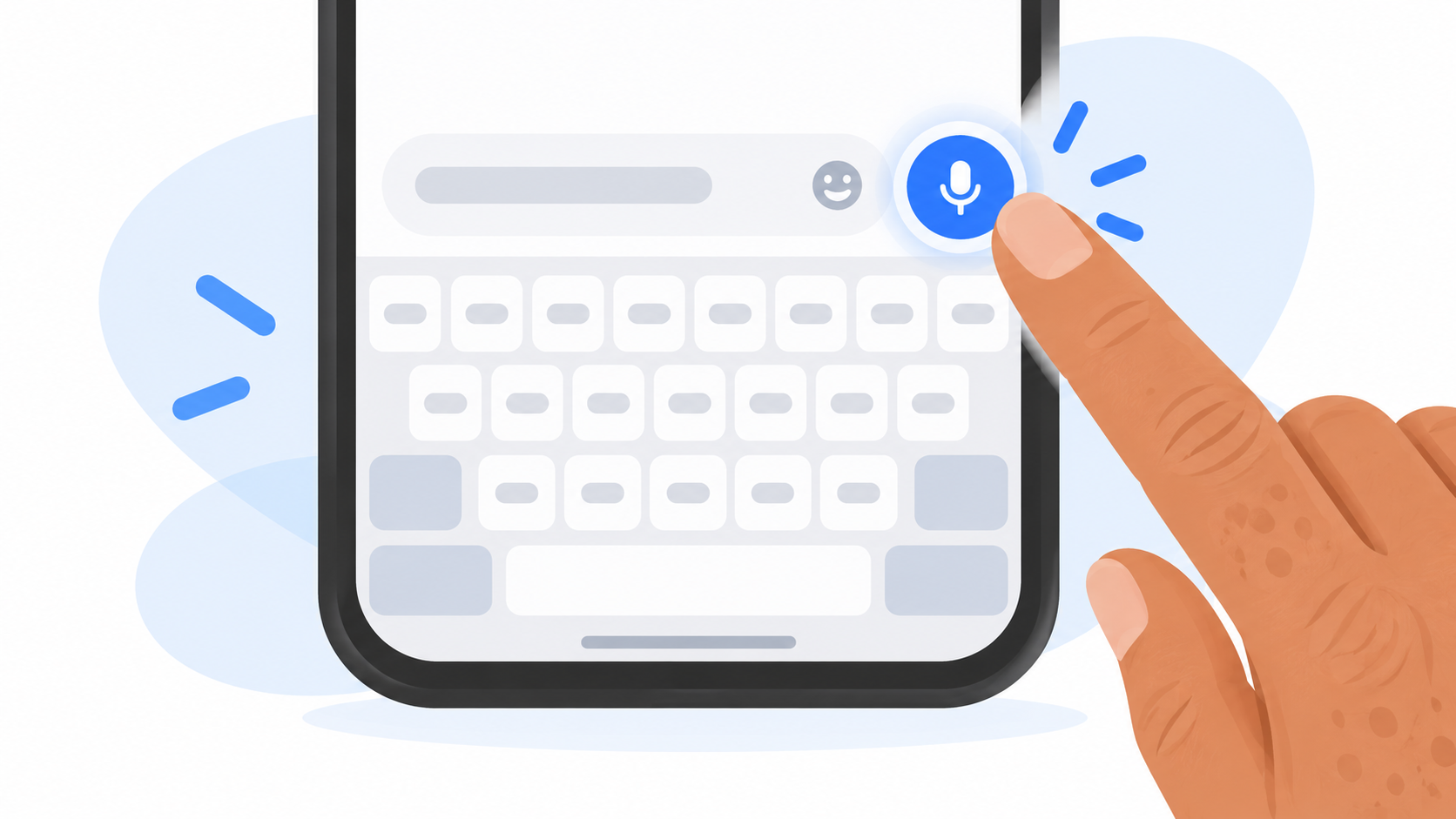
- Tap the microphone. It is usually on the top right of the keyboard.
- Say your message at a normal pace. You will see the words appear.
- Tap the microphone again to stop.
- Read it over, then tap Send.
The first time, your phone may ask for permission to use the microphone. Tap Allow.
How do I add periods and question marks?
On many phones, punctuation is added for you as you speak. If yours does not, just say it out loud:
- Say "period" to end a sentence
- Say "comma" for a pause
- Say "question mark" for a question
- Say "new line" to start a fresh line
So you would say: "Are you coming Sunday question mark." It feels silly once. Then it feels like magic.
What if it types the wrong word?
It will happen. Names are the usual troublemakers, along with anything said in a noisy room.
- To fix one word, tap it and pick from the suggestions, or type the right one.
- To start over, hold the backspace key until the box is empty.
On some newer phones you can fix mistakes by voice too. Google's help page for its keyboard lists spoken commands like "delete last word" and "clear all." Google says those advanced commands need a Pixel 6 or newer, so do not worry if your phone ignores them.
4 tips for better results
- Hold the phone about a foot away. No need to put it up to your mouth.
- Talk the way you normally do. Slow, robot speech makes it worse.
- Turn down the TV. Background voices get typed too.
- Say names slowly the first time. After you fix a name once or twice, your phone tends to remember it.
Is my phone listening all the time?
No. The microphone on the keyboard only listens after you tap it, and it stops when you tap it again or stop talking for a few seconds.
Quick answers
How do I text by voice on Android?
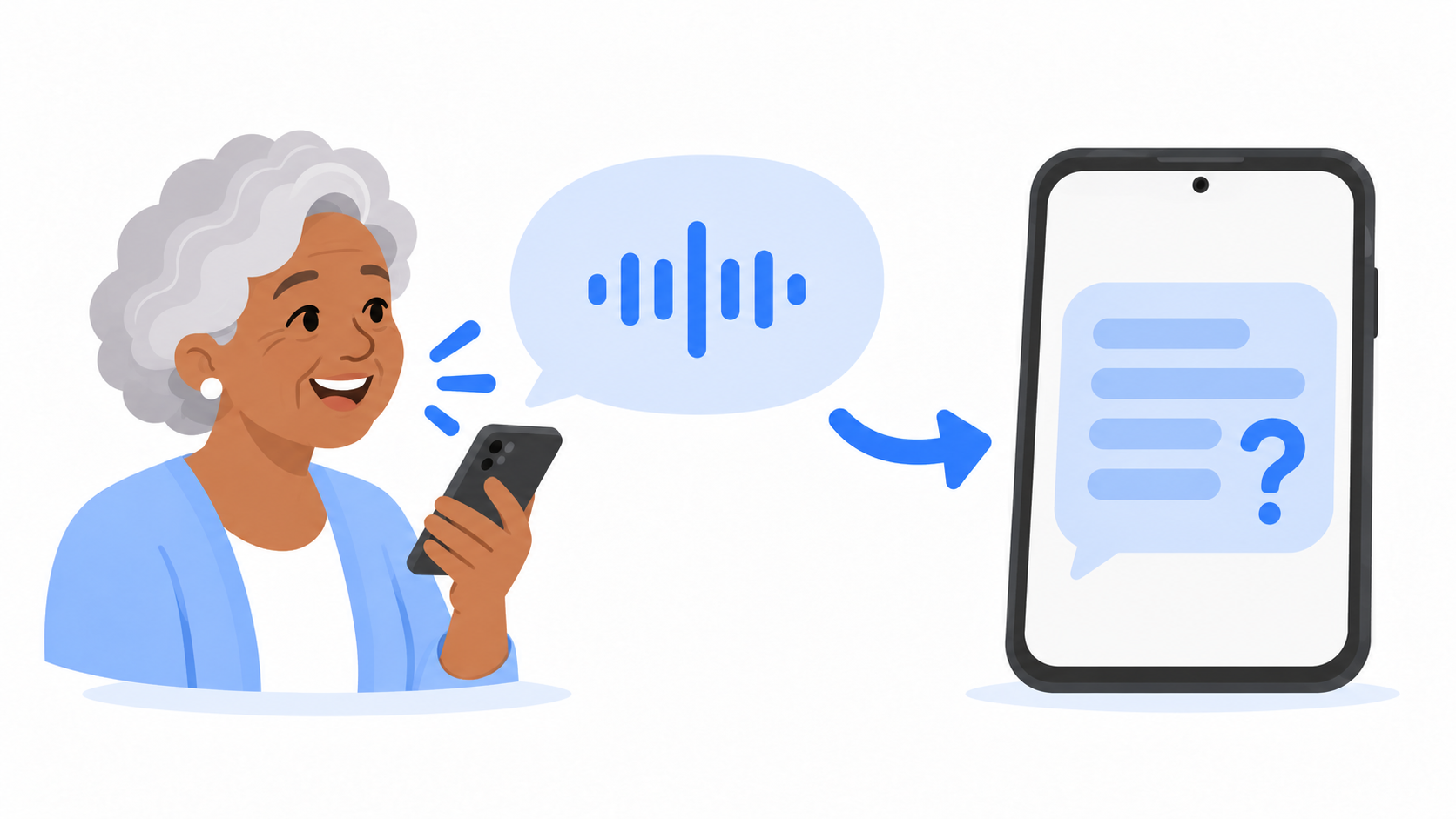
Open a conversation, tap the typing box, tap the microphone on the keyboard, and speak. Your words appear as text. Tap Send when you are done.
Does voice typing cost anything?
No. Voice typing is free and built into Android phones.
Can I use voice typing if I have shaky hands?
Yes. It was made for exactly this. You only need two taps: one on the microphone and one on Send.
Say it and send it
You should not have to fight a tiny keyboard to tell someone you love them. Messenger Chat Home has voice-to-text built in, with your conversations right on your Home Screen. It is free on the Google Play Store.
Related: How Do People Send Those Moving Pictures in Texts? | What Does "Liked a Message" or "Laughed At" Mean in My Texts?
