
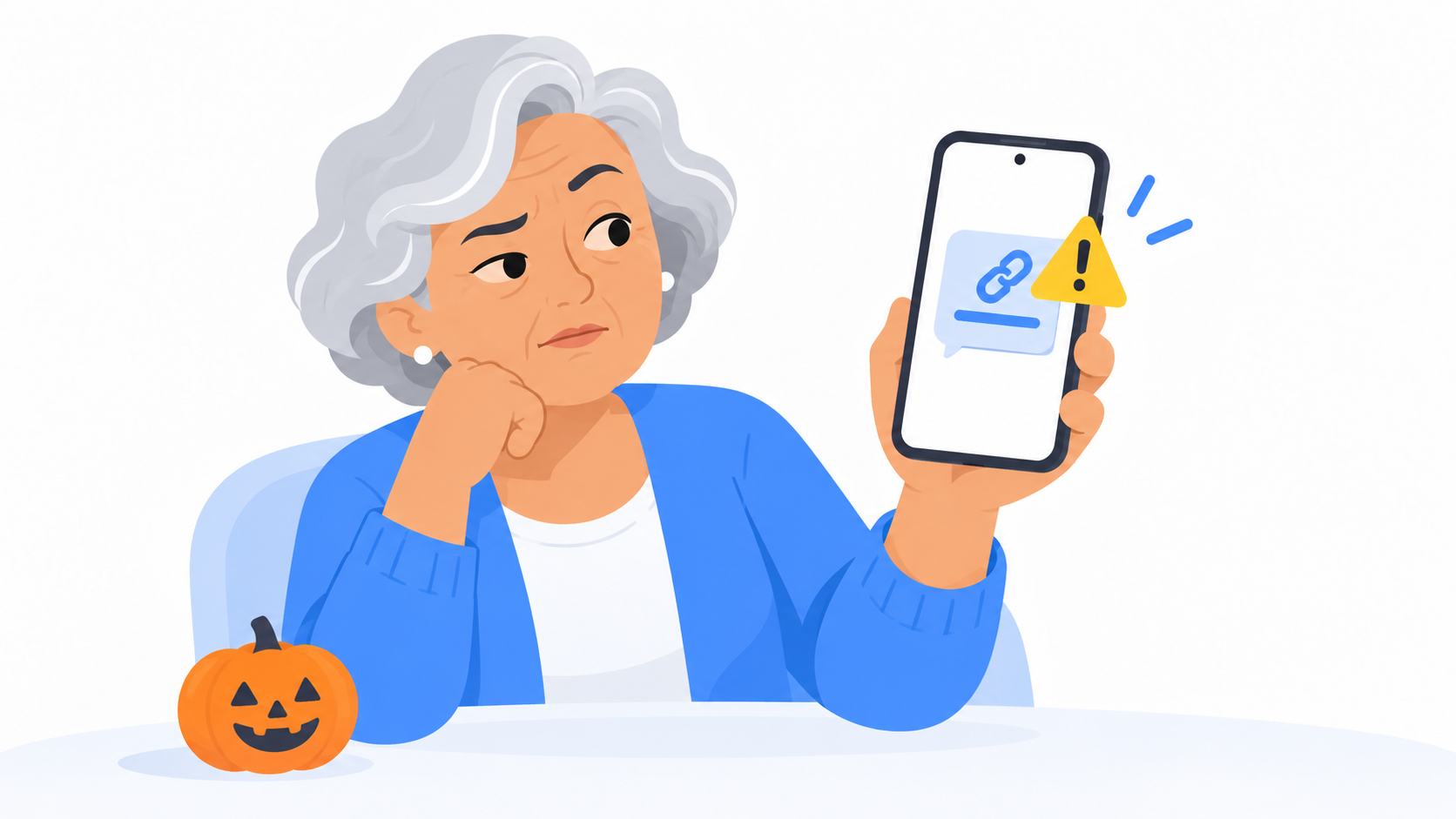
Quick answer: If a text arrives out of the blue, asks you to act fast, and includes a link, treat it as a scam. Do not tap the link and do not reply. Real companies do not ask for payment or personal information through a surprise text message.
How common are scam texts?
Very. The Federal Trade Commission says people reported losing $470 million to scams that started with a text message in 2024. That is more than five times the amount reported in 2020.
These messages go out to millions of phone numbers at once. Getting one does not mean you did anything wrong, and it does not mean someone picked you out. Your number just came up.
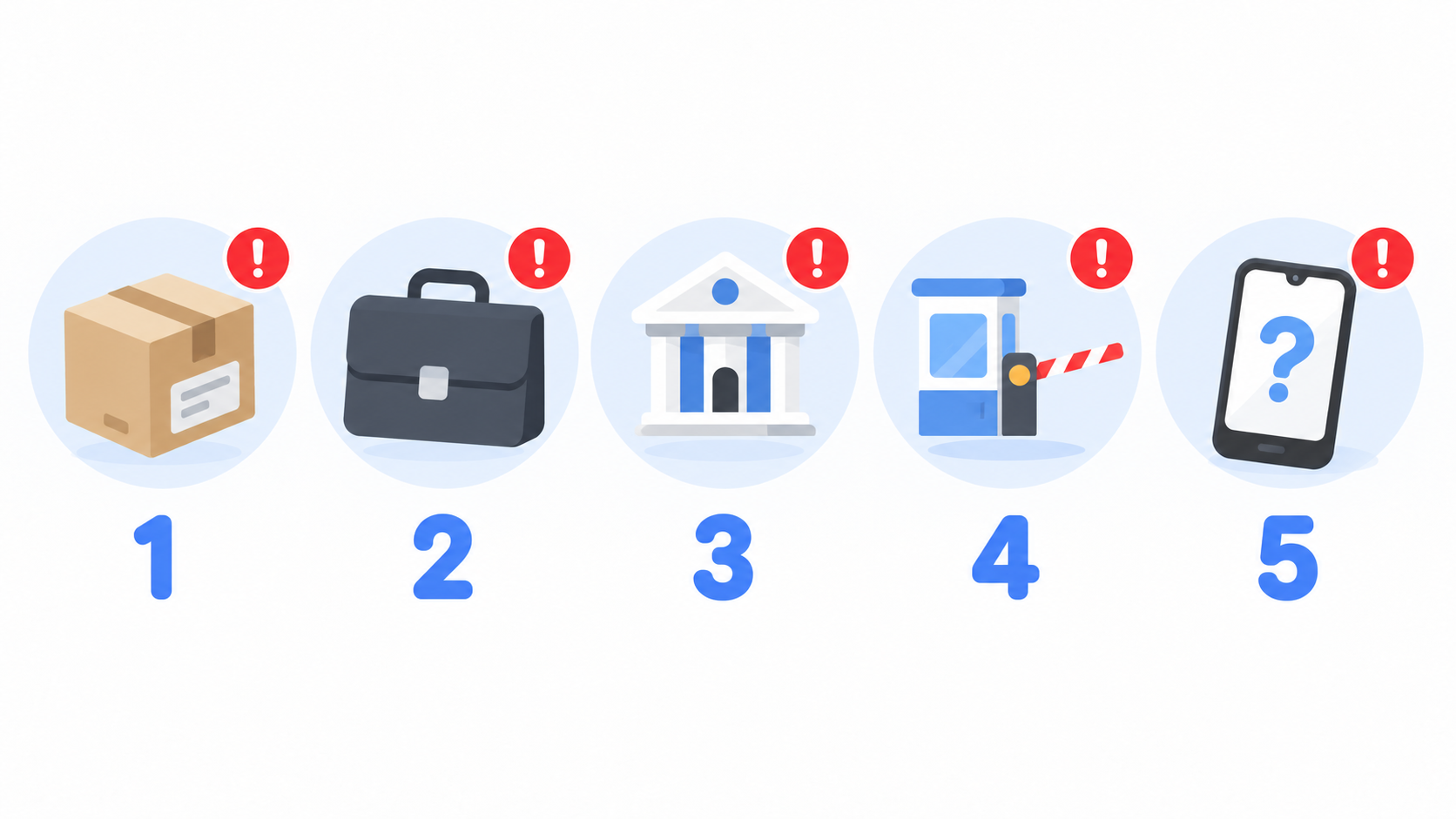
What are the 5 most common scam texts?
This list comes straight from the FTC's report on the top text scams.
1. The package that could not be delivered
It says the Postal Service or a delivery company has a package for you, but there is a problem. Tap the link and it asks for a small "redelivery fee" and your card number.
2. The job offer you never applied for
It offers easy money for simple tasks, like rating products from home. Later, you are told to pay money to collect your earnings. The earnings never come.
3. The fraud alert from "your bank"
It says there is suspicious activity on your account. When you respond, someone pressures you to move your money somewhere "safe." That somewhere belongs to the scammer.
4. The unpaid toll
It says you owe a few dollars for a highway toll and will be fined if you do not pay today. The link asks for your credit card number, and sometimes your Social Security number.
5. The friendly wrong number
It starts with "Hi, is this Susan?" When you say no, the stranger keeps chatting. Weeks later, your new friend has an investment tip. The money you send is gone.
How can I tell if a text is fake?
Look for three things. Scam texts almost always have all three.
- You were not expecting it. You did not order anything. You did not drive on a toll road.
- It wants you to hurry. "Pay today." "Final notice." "Your account will be locked."
- It has a link or asks you to reply. That is how they get you.
What should I do with a scam text?
- Do not tap the link.
- Do not reply. Not even "STOP." A reply tells them your number is real.
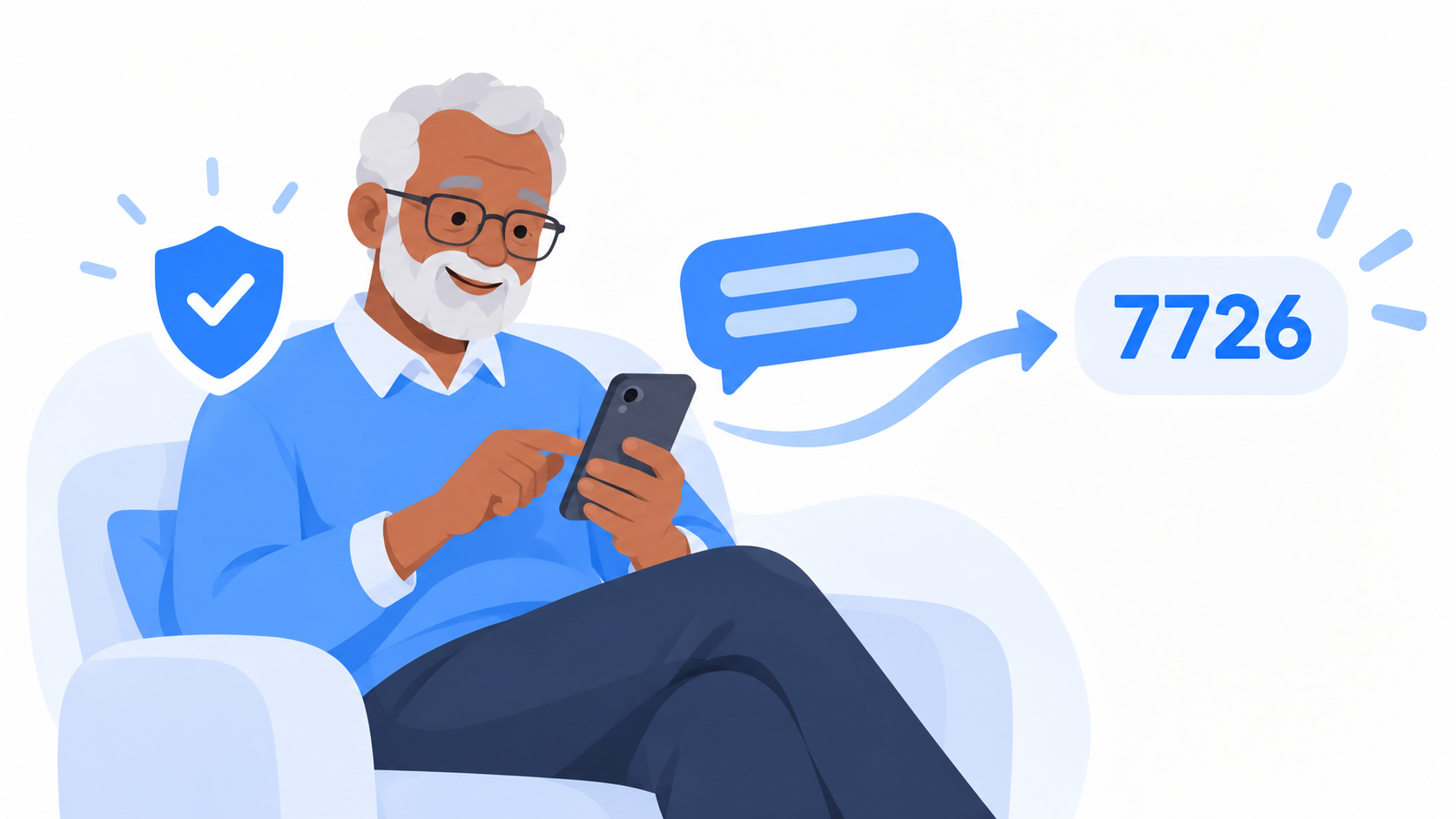
- Forward the text to 7726. That spells SPAM. It goes to your phone company so they can block the sender.
- Block the number and delete the message.
If you are worried the message might be real, do not use anything in the text. The FTC's advice is to contact the company using a phone number or website you know is real. Call the number on the back of your bank card or on your bill.
What if I already tapped the link?
Take a breath. Tapping a link by itself usually does not cause harm. What matters is what you typed in afterward.
- If you only tapped and then closed it, you are most likely fine. Delete the text.
- If you typed in a card number, call your bank or card company right away using the number on the back of the card. They handle this every day.
- If you typed in a password, change that password now, and change it anywhere else you use it.
- If you sent money, call your bank, then report it at ReportFraud.ftc.gov.
Then tell someone you trust. These scams are built by professionals, and smart, careful people fall for them every day.
Quick answers
Is a text about an unpaid toll real?
Almost never. The FTC lists fake unpaid toll notices as one of the top five text scams. Do not tap the link. If you think you might owe a toll, go to the toll agency's official website yourself.
What happens if I reply STOP to a scam text?
It tells the scammer your number is active, which can lead to more scam texts. Do not reply. Forward the message to 7726, then block and delete it.
What is 7726?
7726 spells SPAM on a phone keypad. Forwarding a scam text to that number reports it to your phone company for free.
The only scary texts you need this Halloween
Leave the scares to the trick-or-treaters. When a text does not feel right, it probably isn't. Don't tap, don't reply, and forward it to 7726.
Messenger Chat Home keeps your real conversations front and center on your Home Screen, so the people you know are easy to find and the strangers are easy to ignore. It is free on the Google Play Store.
Related: What Does "Liked a Message" or "Laughed At" Mean in My Texts? | Big News: Your Email Just Moved In With Your Texts
