
Big News: Your Email Just Moved In With Your Texts
We made communicating even easier. Throughout October 2026, email notifications are rolling out to devices in Messenger Chat Home, right next to your text messages. One place to look. Nothing to set up.
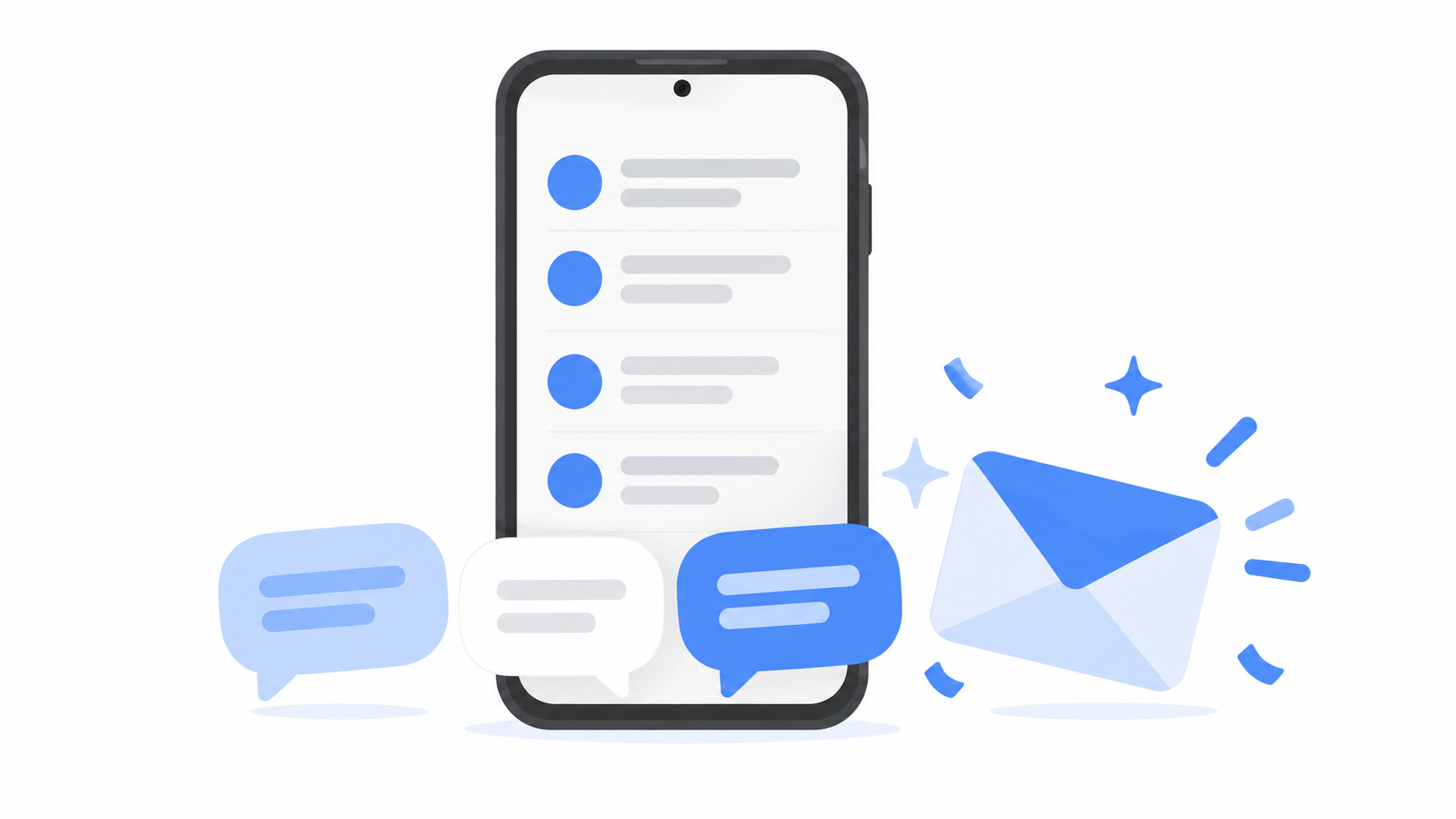
Every message that matters, on one screen
Messenger Chat Home has always been about one idea. Staying in touch should be simple.
Your text messages already live right on your Home Screen. And when someone reaches you another way, Messenger Chat Home shows you that too, all in the same spot:
WhatsApp chats
Instagram and Facebook messages
TikTok messages
LinkedIn messages
This October, the biggest missing piece joins the list. Email is joining the conversation.
The appointment reminder from your doctor. The photos your sister sent from her trip. The note from your grandson's school. Once the update reaches your phone, you see their notifications arrive in the same place as your texts, so you catch them today and not three days from now.
There is nothing to set up
This is our favorite part.
Messenger Chat Home automatically shows email notifications from the Gmail account connected to your phone, along with other email apps you are signed in to on your phone. You don't type in a password. You don't dig through settings. You don't call anyone for help.
Gmail, Outlook, Yahoo Mail, AOL Mail, and Proton Mail are all welcome, along with other email providers with an app on your phone.
Don't see it yet? Update your phone and the app. Email notifications are rolling out to devices throughout October 2026.
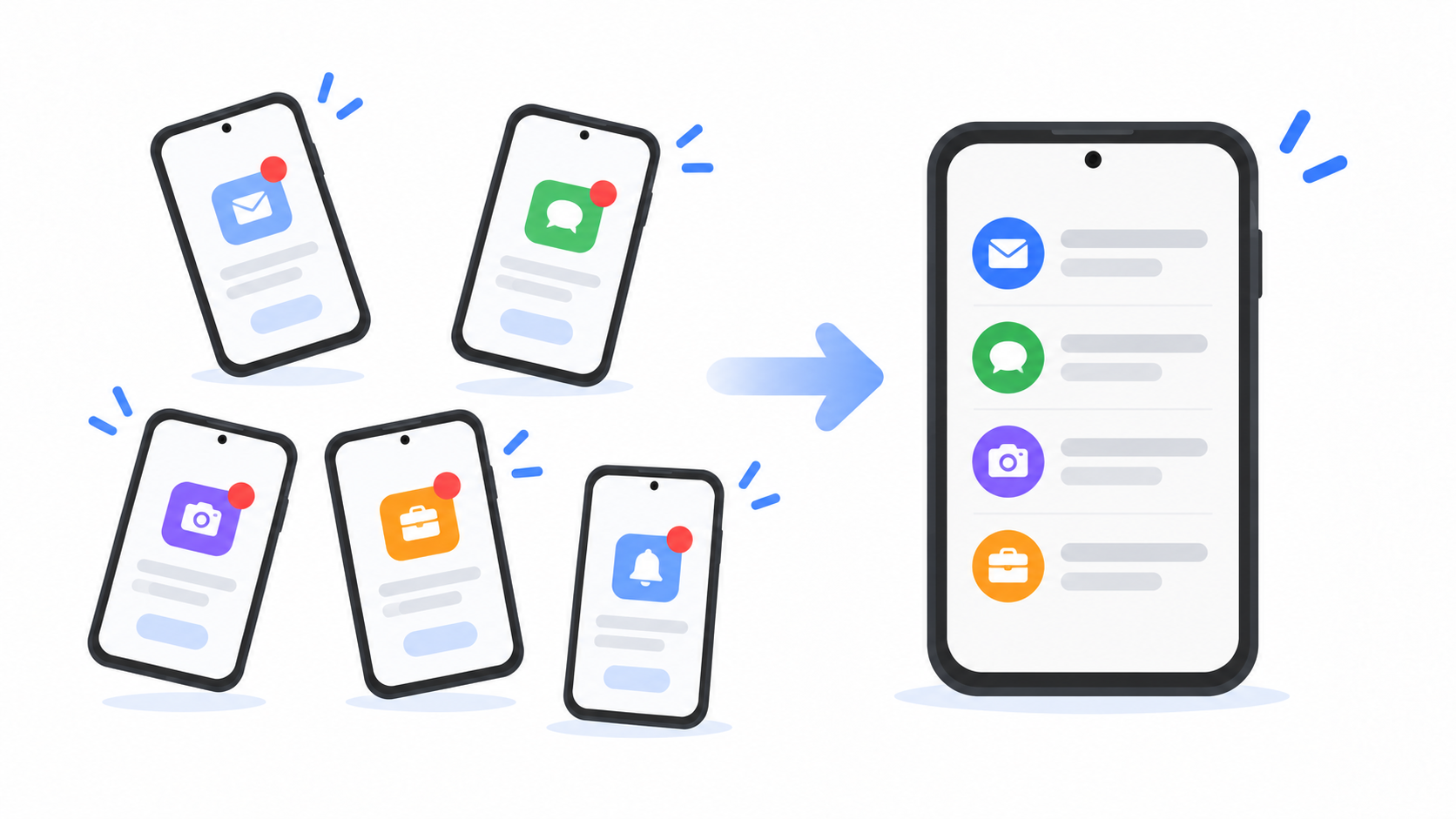
See it. Tap it. Answer it.
Here is how it works.
A new email comes in.
Messenger Chat Home shows you who it is from and a preview of what it says.
Tap it, and your email app opens so you can read the whole thing and write back.
No hunting for the right app. No wondering if you missed something. Messenger Chat Home is the front door, and it takes you straight to the right room.
Text messages are read and sent inside Messenger Chat Home. For email, WhatsApp, Facebook, and the rest, it is a notification hub. You see notifications and previews in one place, and one tap opens the right app to read and reply.
Why we built this
We heard the same thing from a lot of you. The messages were never the hard part. Keeping up with where they landed was.
Your family texts. Your church group is on WhatsApp. The pharmacy emails. An old friend writes on Facebook. That is a lot of apps, a lot of little red dots, and a lot of places to forget to check.
You did not make it that complicated. Phones did.
And you are far from alone. AARP's 2025 Tech Trends report found that 91 percent of adults 50 and older own a smartphone. That is millions of people being asked to keep track of more inboxes every year.
We think one place to look is plenty.
What stays exactly the same
Nothing about your email changes.
Your email address is the same. People write to you the way they always have.
Your phone number is the same.
Your email app is the same. Your messages stay right where they have always been. Nothing gets moved and nothing gets deleted.
You are simply getting one place to see what is new.
Get ready for email
Already have Messenger Chat Home? If email has not shown up for you yet, update your phone and the app. Email notifications are rolling out to devices throughout October 2026.
New here? Messenger Chat Home is free on the Google Play Store.
One place to look. Everyone who matters. No more hunting.
Quick answers
Is there one place to see email and text messages on Android?
Yes. Messenger Chat Home shows text messages alongside notifications and previews from your other apps on your Home Screen. Email notifications are rolling out to devices throughout October 2026, joining notifications from WhatsApp, Instagram, Facebook, TikTok, and LinkedIn.
How do I add my email to Messenger Chat Home?
Once the update reaches your phone, Messenger Chat Home automatically shows email notifications from the Gmail account connected to your phone and other email apps you are signed in to. You don't need to add your email account again.
Which email providers work with Messenger Chat Home?
Email providers with an app you are signed in to on your phone, including Gmail, Outlook, Yahoo Mail, AOL Mail, and Proton Mail.
Can I read and reply to emails from Messenger Chat Home?
Messenger Chat Home shows you each new email and a preview. Tap it, and your email app opens so you can read the full message and reply.
