
Messaging
If typing on a phone keyboard is slow, or your hands are not as steady as they were, or you simply have both arms full, you can speak your messages instead.
Your phone already has this. There is nothing to install and nothing to pay for. Most people have seen the little microphone on the keyboard and never pressed it.
It is genuinely good now, which was not true a few years ago.
Get Messenger Chat Home free
Voice to text built in, right from your home screen.
Download on Google PlayHow to dictate a message
- Open the conversation and tap the message box so the keyboard appears.
- Find the microphone icon, usually top right of the keyboard or beside the space bar.
- Tap it once. You will see "Speak now" or a moving waveform.
- Say your message in a normal voice.
- Words appear as you speak.
- Tap the microphone again to stop, then send as usual.
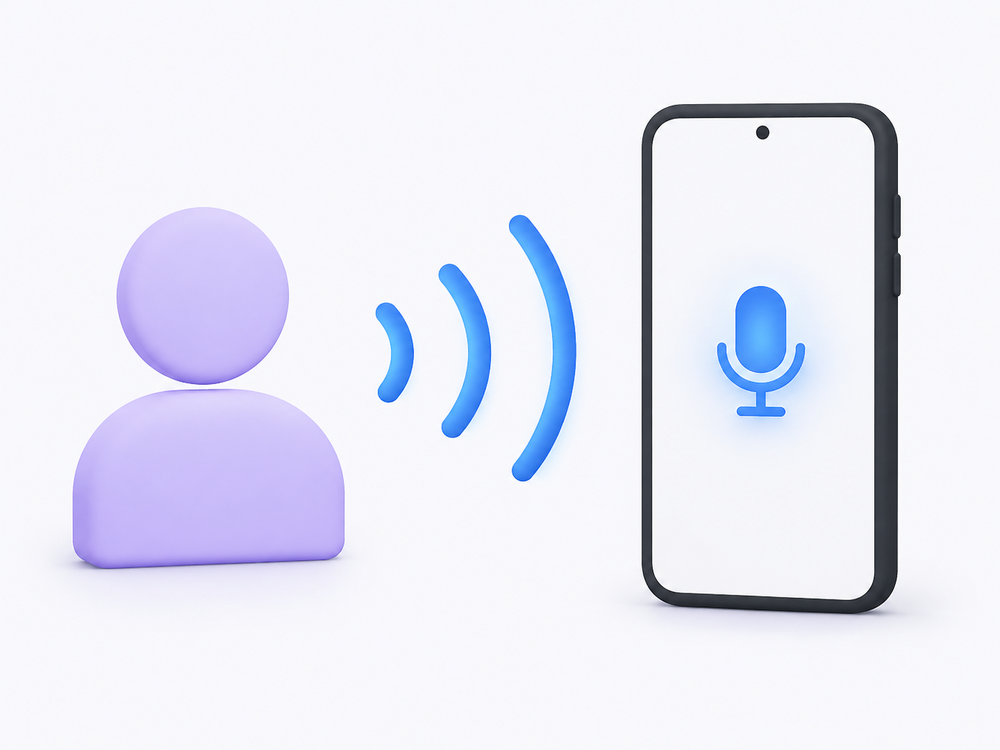
You do not need to speak slowly or loudly. Normal conversational pace is what it was designed for, and over-enunciating makes it worse rather than better.
If nothing happens when you tap, the microphone permission has not been granted. Go to Settings → Apps → your keyboard app → Permissions → Microphone → Allow.
Adding punctuation with your voice
This is what separates a usable message from a run-on sentence, and almost nobody is told about it.
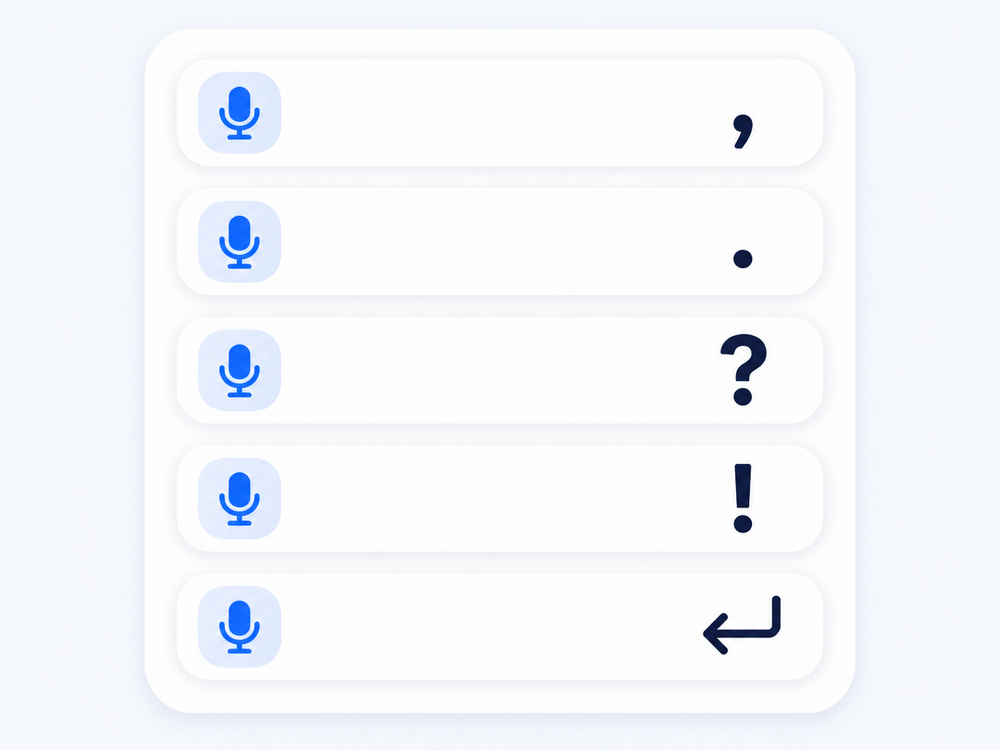
Say the punctuation out loud:
| Say this | You get |
|---|---|
| "comma" | , |
| "period" or "full stop" | . |
| "question mark" | ? |
| "exclamation mark" | ! |
| "new line" | starts a new line |
| "new paragraph" | leaves a blank line |
So saying "are you free tomorrow question mark I can come at three period" produces:
> Are you free tomorrow? I can come at three.
Capital letters at the start of sentences are added automatically. You do not need to say anything for those.
Fixing what it gets wrong
It will misjudge things, particularly names and unusual words.
To correct a word: tap directly on it. The keyboard usually offers alternatives above. Tap the right one.
To delete the last thing you said: say "delete" while still dictating, or tap the backspace key.
To start over: tap the message box, select all, and delete. Then dictate again.
Read it before you send. This is the whole discipline. Voice recognition is good but not perfect, and the mistakes it makes tend to be real words, so they will not look like errors at a glance.
Getting better results
Reduce background noise. A television or a car engine makes a real difference. Not fatal, but it costs accuracy.
Hold the phone normally. You do not need it close to your mouth. Normal holding distance is what the microphone expects.
Speak in short pieces. One or two sentences, stop, check, continue. Easier to fix than a long paragraph.
Do not pause too long mid-sentence. A long silence is read as "finished" and dictation stops. If it keeps cutting out, that is usually why.
Names are the weak point. Unusual spellings often need typing by hand. Some phones learn names from your contacts over time, which helps.
Downloading a voice for offline use
Dictation normally needs an internet connection, but most Android phones let you download a language for offline use. Useful in a poor signal area, and it keeps the audio on the device rather than sending it away for processing.
Look under Settings → System → Languages and input → On-device speech recognition, or in your keyboard app's own settings under Voice typing.
Google's Android Help guide to voice typing covers the download steps and which languages are available offline.
Why this matters more than it sounds
Speech input is treated as an accessibility feature, and for good reason. Typing on glass is difficult with arthritis, tremor, limited fine motor control, or low vision. Dictation removes that barrier entirely.
The W3C's Web Content Accessibility Guidelines set out input alternatives as a core principle, on the basis that no one should be shut out of communicating because of how a device expects to be operated.
If you have been texting less because typing became a chore, this is worth ten minutes of practice.
Frequently asked questions
Does voice to text work without an internet connection?
Usually it needs a connection, but most Android phones let you download a language pack for offline use. Look for on-device speech recognition in your phone's language and input settings.
How do I add punctuation when speaking a message?
Say the punctuation out loud as part of the sentence. Saying "comma", "period", "question mark" or "new line" inserts that mark rather than the word.
Why does dictation stop before I have finished speaking?
A long pause is treated as the end of your message. Try speaking in shorter pieces without long gaps, or tap the microphone again to continue.
Is my voice recording stored anywhere?
That depends on your phone and settings. When on-device recognition is enabled, processing happens on the phone itself. Otherwise audio may be sent to a server for processing. Check your keyboard app's privacy settings if this matters to you.
Why does it keep getting names wrong?
Unusual names and spellings are the hardest thing for voice recognition. Some phones learn from your contact list over time, but names often need correcting or typing by hand.
Speaking a message is faster than typing one for most people, once punctuation becomes second nature. It takes about a week to stop thinking about it.
Try Messenger Chat Home
Voice to text, large clear buttons, and conversations on your home screen. Free on Google Play.
Download now