
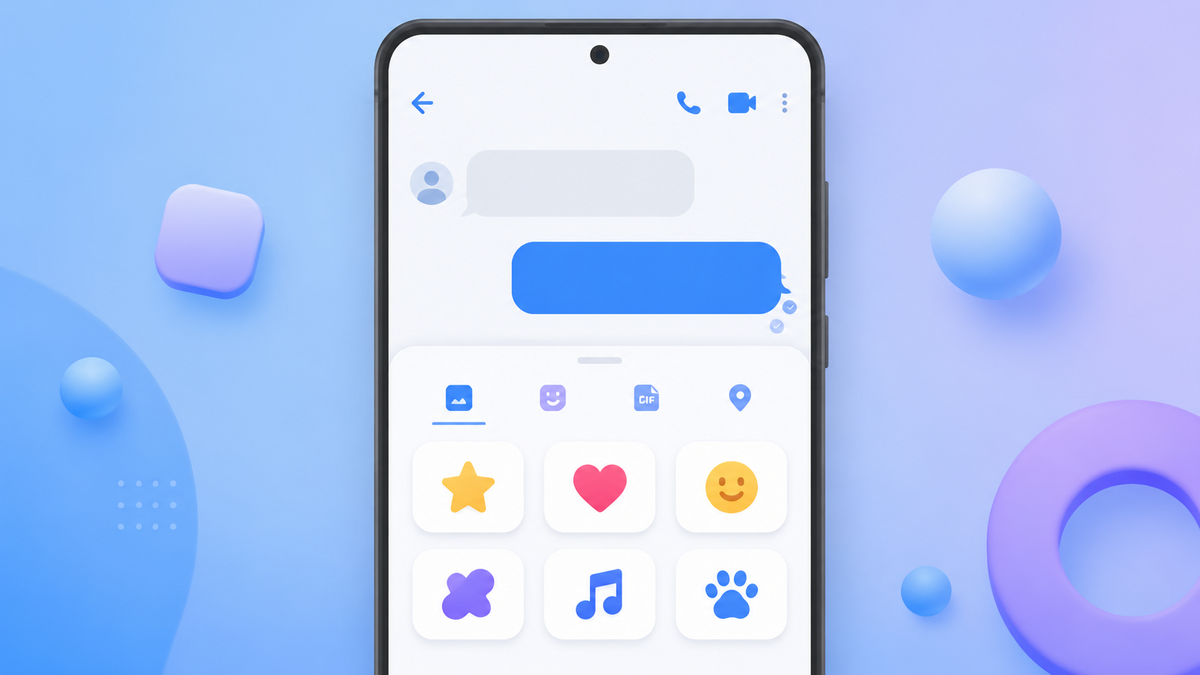
Messaging
Text on its own can read colder than you meant it. A short reply that felt friendly in your head can land flat. That is most of the reason emoji exist, and it is why a well-chosen GIF often says more than a sentence.
They are all free, they are built into your phone, and they are easier to find than most people realise.
Here is what each one is and where to find it.
Get Messenger Chat Home free
Thousands of free stickers, GIFs and emoji built in.
Download on Google PlayThe difference between the three
Worth two minutes, because knowing which is which makes them much easier to find.
Emoji are small pictures that behave like letters. A smiling face, a heart, a cup of coffee. They sit inside the text of your message and travel with it. They are standardised, which is why a heart you send arrives as a heart, not as a square. The Unicode Consortium maintains that standard, which is the reason emoji work across different phone brands at all.
Stickers are larger pictures sent on their own rather than inside a sentence. Think of them as a small card. They usually come in sets and are downloaded rather than built in.
GIFs are short silent moving clips, usually a second or two, looping. A cat falling off a sofa, someone applauding. Also sent on their own.
Emoji go in a message. Stickers and GIFs are the message.
Sending emoji
- Tap the message box to bring up the keyboard.
- Find the smiley face icon. It is usually next to the space bar, sometimes where the comma is.
- Tap it. The keyboard becomes a grid of emoji.
- Tap any emoji to add it to your message.
- Tap the ABC button to go back to letters.
There is a search box at the top of the emoji panel. Typing "cake" is far quicker than scrolling through several hundred pictures. Most people never notice it is there.
A shortcut worth knowing: many keyboards suggest emoji as you type. Write "happy birthday" and a cake will often appear in the suggestion strip above the keyboard. Tap it to insert it.
Sending stickers and GIFs
- Tap the message box.
- Look for a plus sign, a smiley, or a small square icon near the box or on the keyboard.
- Tap it to open the picker.
- Choose the GIF or Sticker tab.
- Search or scroll, then tap the one you want.
Depending on the app it sends immediately on tap, or drops into your message box for you to send.
Both GIF and sticker pickers have search. Type a feeling rather than a thing. "Congratulations", "thank you", "good night" return better results than describing what you want to see.
Why some pictures arrive blurry
A common complaint, and the explanation is the same one behind a lot of messaging oddities.
Sending a picture over a standard text message uses MMS, which was designed a long time ago and has a strict size limit, often around 300KB to 1MB depending on the carrier. Photos from a modern phone are several times that.
So your phone shrinks the picture to fit. That is the blur. It happened before it left your handset.
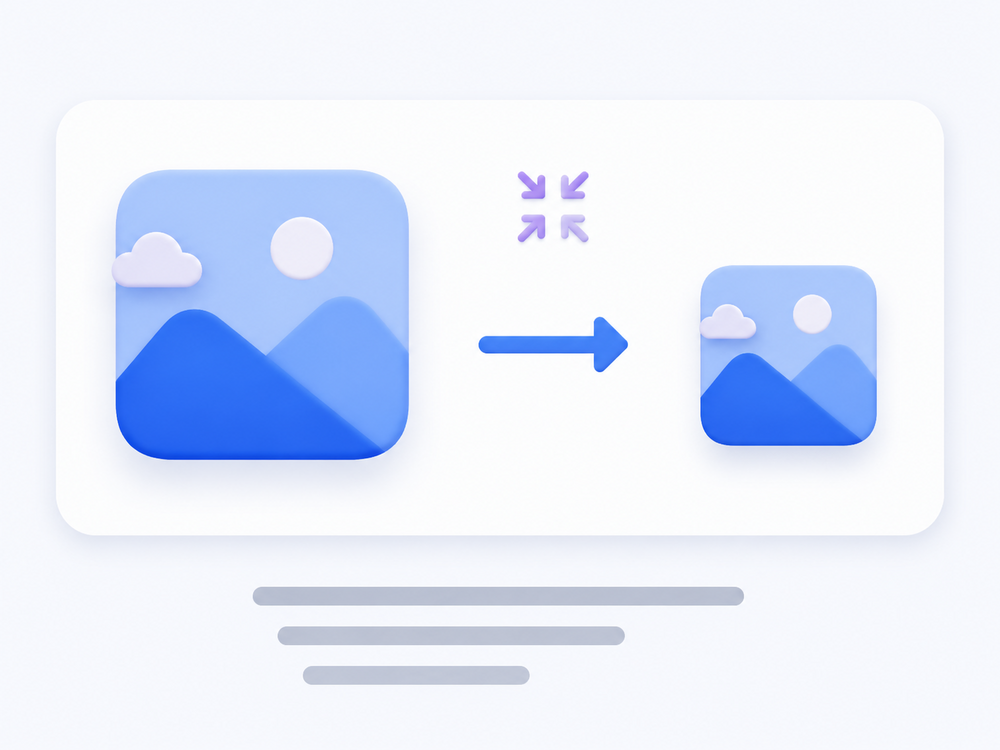
The modern standard, RCS, allows much larger files and sends pictures at close to full quality. If both people have chat features switched on, photos arrive sharp. If either does not, it falls back to MMS and shrinks. The GSMA's RCS Universal Profile is the specification behind that difference.
If a photo really matters, email it or use a photo-sharing link instead of a text.
Adding more sticker sets
Most keyboards let you download extra sets free.
Open the sticker picker and look for a plus or a shop icon. That opens a list of available packs. Tap one to add it, and it appears in your picker from then on.
Two things to keep in mind. Sticker packs take up storage, so there is little point downloading dozens you will not use. And packs from outside your keyboard's official list can request permissions they do not need, so it is worth sticking to what your keyboard offers directly.
If you cannot find any of it
No smiley on the keyboard. Some keyboards hide it behind a long-press of the comma or the Enter key. Try holding those.
No GIF option. Not all messaging apps include one. Check the app's own settings, or try the plus icon rather than the keyboard.
Stickers will not send. Stickers are usually sent as images, so they need MMS or RCS. If you have no mobile data, they will not go through even though plain text will.
Emoji show as boxes. The other person's phone does not recognise that emoji, usually because it is running an older version of Android. Newer emoji take time to reach every device.
Frequently asked questions
What is the difference between a sticker and a GIF?
A sticker is a still picture sent on its own, usually part of a downloadable set. A GIF is a short silent moving clip that loops. Both are sent as their own message rather than inside a sentence.
Why do my photos and GIFs arrive blurry?
Standard picture messaging uses MMS, which has a small size limit, so your phone shrinks the file before sending. If both people have RCS chat features enabled, pictures send at much higher quality.
Are GIFs and stickers free to send?
The GIFs and stickers themselves are free. Sending them uses mobile data or an MMS allowance, so if you have a limited data plan they count towards it in the same way a photo does.
Why do some emoji appear as empty boxes?
The receiving phone does not recognise that emoji, usually because it is running an older version of Android. New emoji are added regularly and take time to reach every device.
Where is the emoji button on my keyboard?
Usually next to the space bar, shown as a smiley face. On some keyboards it is hidden behind a long press of the comma key or the Enter key.
A picture chosen well says the thing you meant. It is worth the ten seconds it takes to find one.
Try Messenger Chat Home
Free stickers, GIFs and emoji, one swipe from your home screen. Free on Google Play.
Download now