
Messaging
Someone sends you a photograph of their grandchild. You want to say something warm, but you do not want to start a conversation. A small heart on the message does the job.
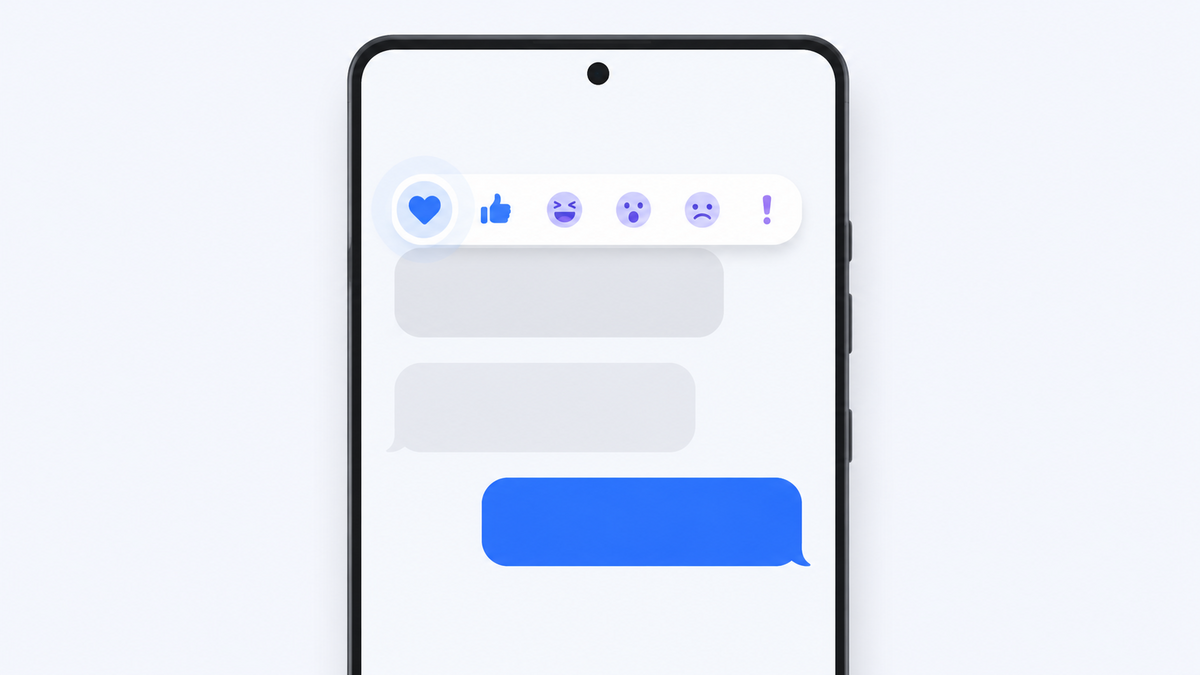
That is a reaction. Press and hold a message, choose an emoji, and it attaches to the message itself rather than sending a new one.
It works on Android, though not in every situation, and the reason it sometimes fails is worth understanding because it explains a lot of odd messaging behaviour.
Get Messenger Chat Home free
Reactions, stickers and GIFs, right from your home screen.
Download on Google PlayHow to react
- Open the conversation.
- Press and hold the message you want to react to. Hold for about a second.
- A small row of emoji appears above the message.
- Tap the one you want.
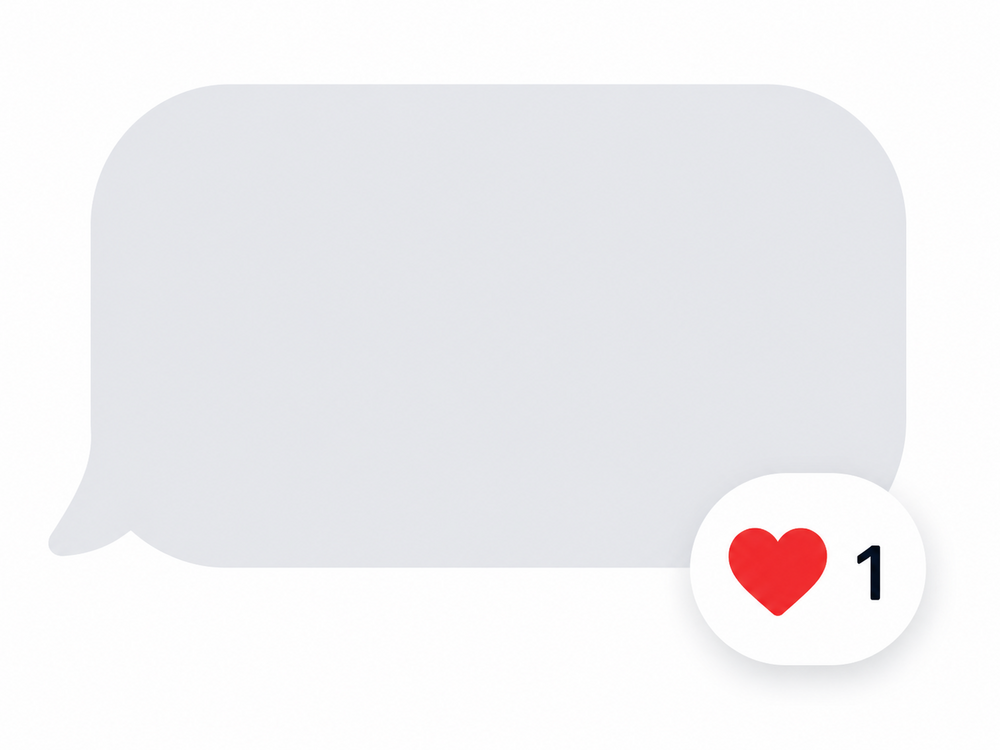
The emoji attaches to the corner of the message. Both you and the other person can see it.
To remove it, press and hold the same message again and tap the emoji you already chose. It comes off.
To change it, press and hold and pick a different one. It replaces the first.
Most apps offer six or seven common reactions in that first row, with a plus sign or smiley at the end that opens the full emoji list.
Why reactions sometimes arrive as words
This is the part that confuses people, and it is not your phone doing something wrong.
There are two different systems carrying your messages.
SMS is the original text message standard. It has been running since the 1990s and it only carries plain text. It has no concept of a reaction.
RCS is the modern replacement. It supports reactions, typing indicators, better quality photos and read receipts. It is the standard behind what most phones now call chat features, defined in the GSMA's RCS Universal Profile.
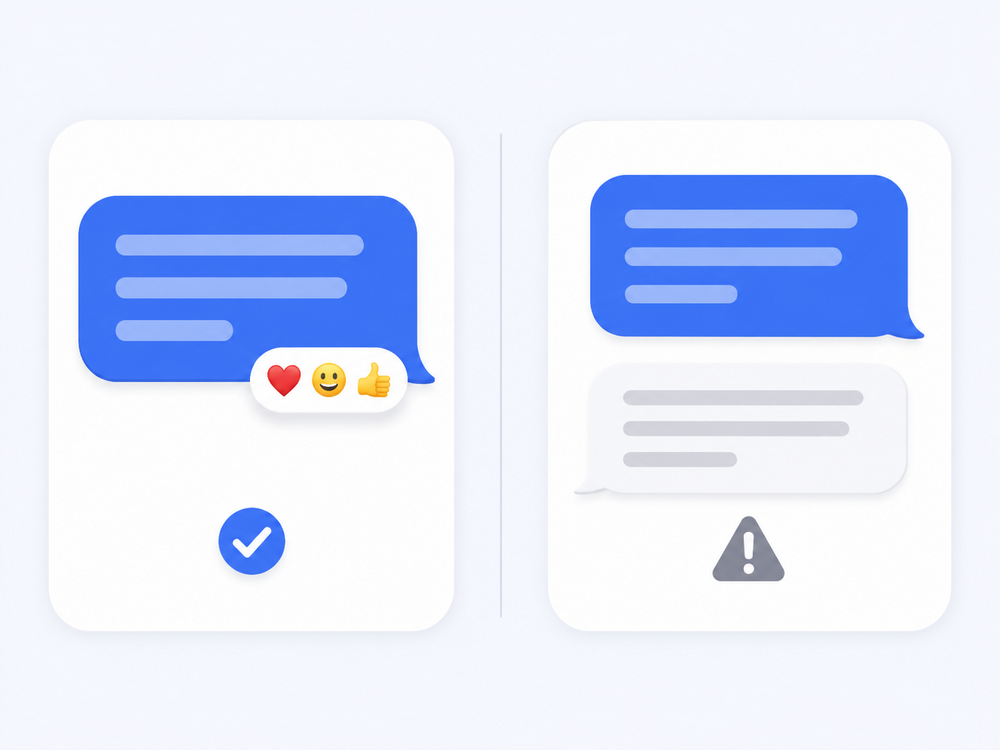
When both people are using RCS, a reaction appears as a small emoji on the message. When one person is not, there is nowhere to put it, so it gets sent as a separate plain text message instead. That is why you sometimes receive:
> Laughed at "See you at six"
It is not a mistake. It is a reaction being translated into something SMS can carry.
When the reaction option will not appear
If pressing and holding does nothing, work through these.
Chat features may be off. In your messaging app's settings, look for Chat features or RCS chats and check it says Connected. It can take a few minutes to register after being switched on.
The other person may not have it. Reactions need support at both ends. If they are on an older phone or an app without RCS, you can still send one, but it will arrive as text.
Your app may not support them. Not every messaging app implements reactions. Check the app's own settings before assuming the phone is at fault.
You may be holding too briefly. A tap selects. A hold opens the menu. Try holding for a full second.
Your carrier may not support RCS. Support varies by network and country. Google's Android Messages help explains how to check whether chat features are active on your line.
Reactions and group messages
In a group, a reaction shows a small counter. Three people reacting with a thumbs up shows a thumbs up with a 3 beside it. Tap the counter to see who reacted with what.
Reactions are genuinely useful in groups, because five people replying "ok" makes a conversation hard to read, while five thumbs up on the original message does not.
If some group members are on SMS rather than RCS, they will receive the written version instead, which can make a group feel noisy. Worth knowing before you react to everything.
A note on privacy
Reactions are sent, not stored locally. The other person's device receives it, so it is not a private note to yourself.
If you want to mark a message for your own reference without the sender knowing, use your app's star, pin or archive function instead. Those stay on your phone.
Frequently asked questions
Why did my reaction arrive as a text message saying "Liked" instead of an emoji?
The other person's phone or messaging app does not support RCS chat features. Without RCS there is nowhere to attach an emoji, so the reaction is converted into a plain text message that SMS can carry.
Can I remove a reaction after sending it?
Yes. Press and hold the same message again and tap the emoji you already selected. It is removed for both people.
Why can I not react to messages at all?
Either chat features are switched off in your messaging app, your app does not support reactions, or you are pressing rather than holding. Check your app's settings for Chat features or RCS chats first.
Does the other person know I reacted?
Yes. Reactions are sent to the other person and are visible to them. They are not a private marker. Use your app's star or pin option if you want something only you can see.
Do reactions work in group messages?
Yes. In a group, reactions show a count of how many people chose each emoji. Tap the count to see who reacted.
Reactions are a small thing that make texting quieter and quicker. Once you know the press-and-hold gesture, you will use it constantly.
Try Messenger Chat Home
Free on Google Play. Stickers, GIFs and emoji, one swipe from your home screen.
Download now